Tips
Best Photos for AI Video Generation
See which photos work for Worth It and OOUUH. A clear face of one person is the useful part. Filters, covered faces, and group shots are the usual reason a result looks off.
 Worth It AIOctober 15, 20264 min read
 Good photos, better results
1. Photo requirements
Worth It and OOUUH Trend each accept one or two individual photos. Leave a role empty to keep the original person. A single photo of both people is not the trend upload. OOUUH Original Song can use one photo that already shows both people. The generator uses these photos as the people in the video. It does not promise the same motion, expression, or an exact likeness in every frame.
Clear face
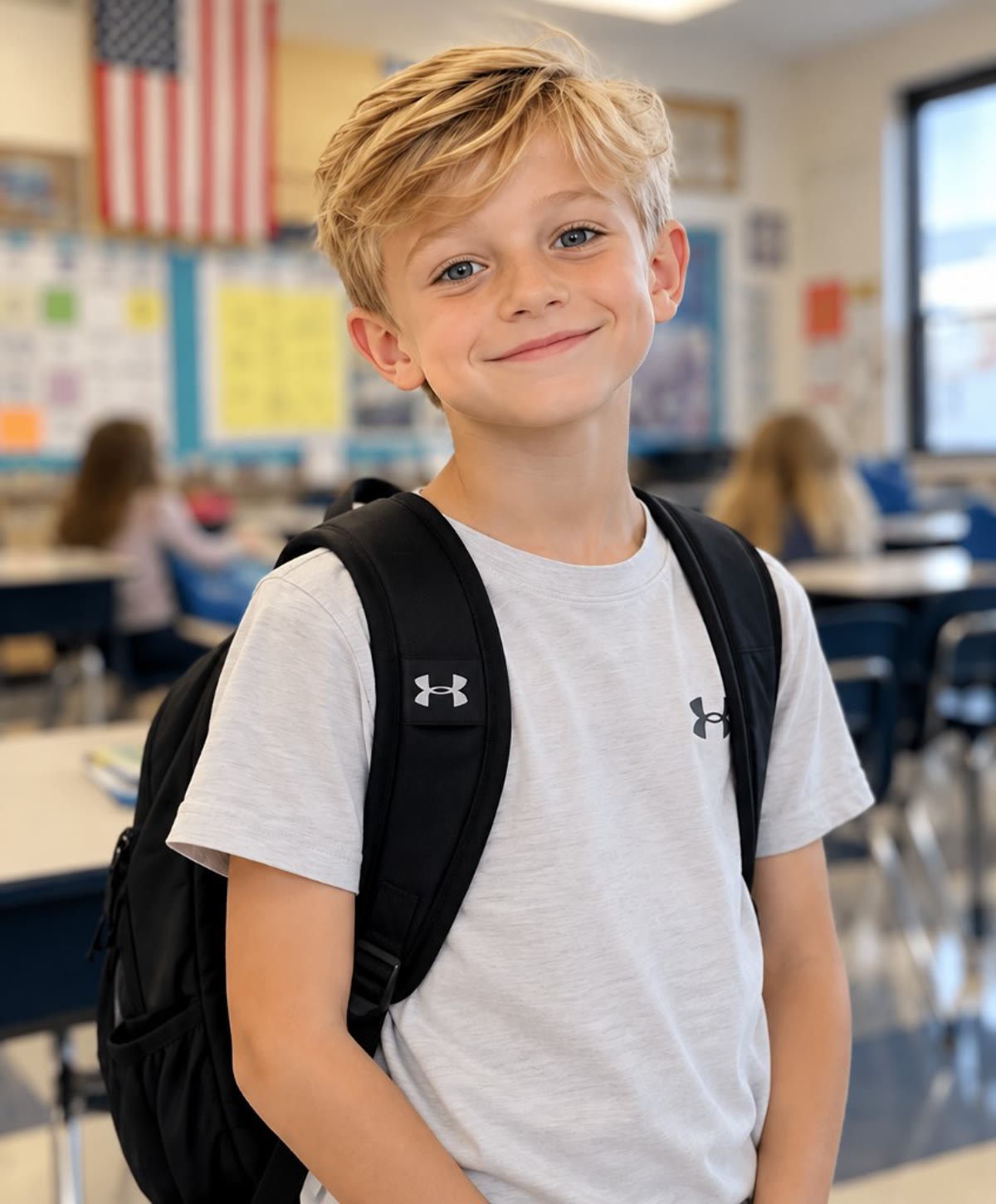
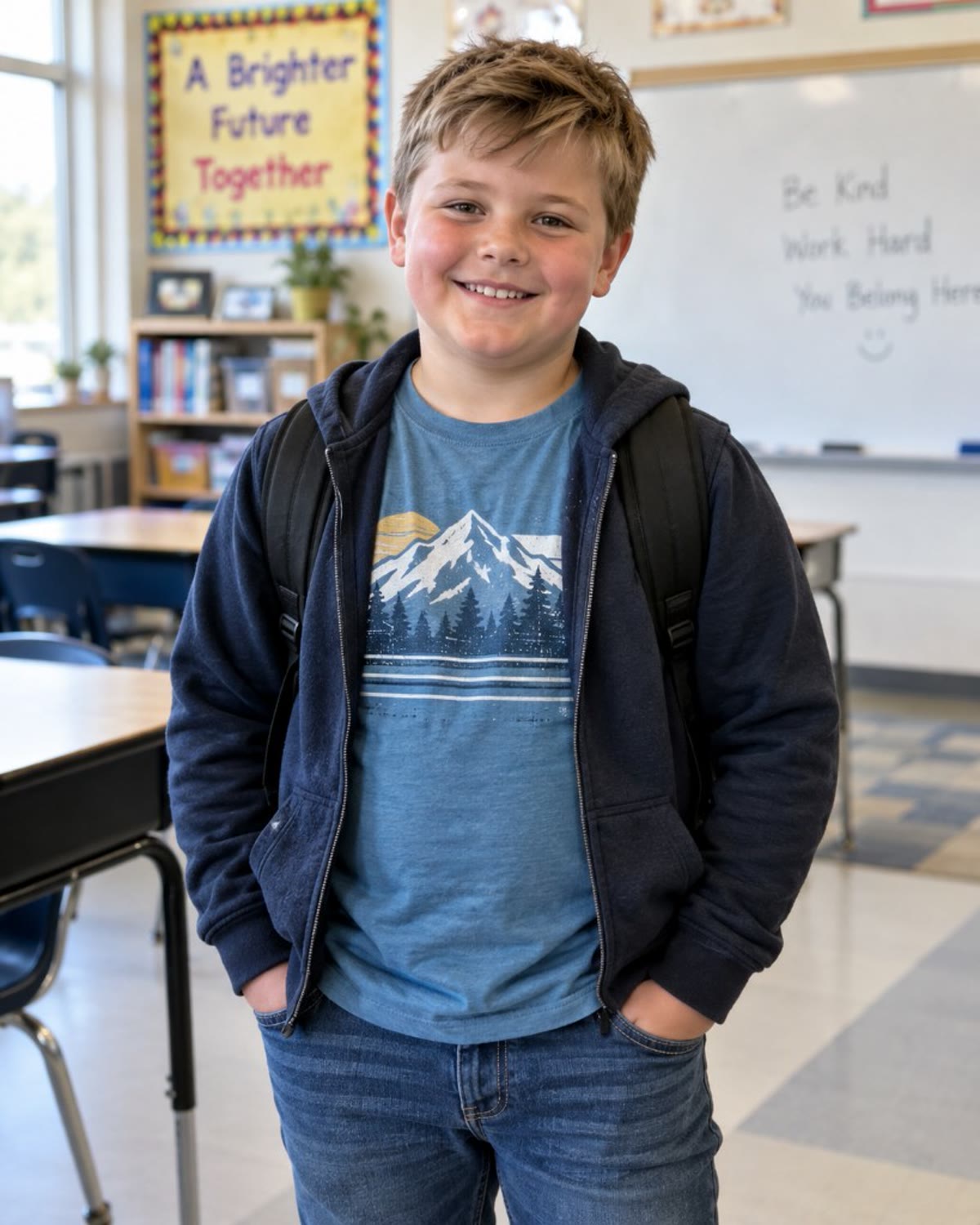
Eyes, nose, and mouth should be easy to see. Heavy blur and beauty filters hide the face.
Good lighting
Even, front light works better than a dark room, a strong backlight, or a colored cast.
Single person
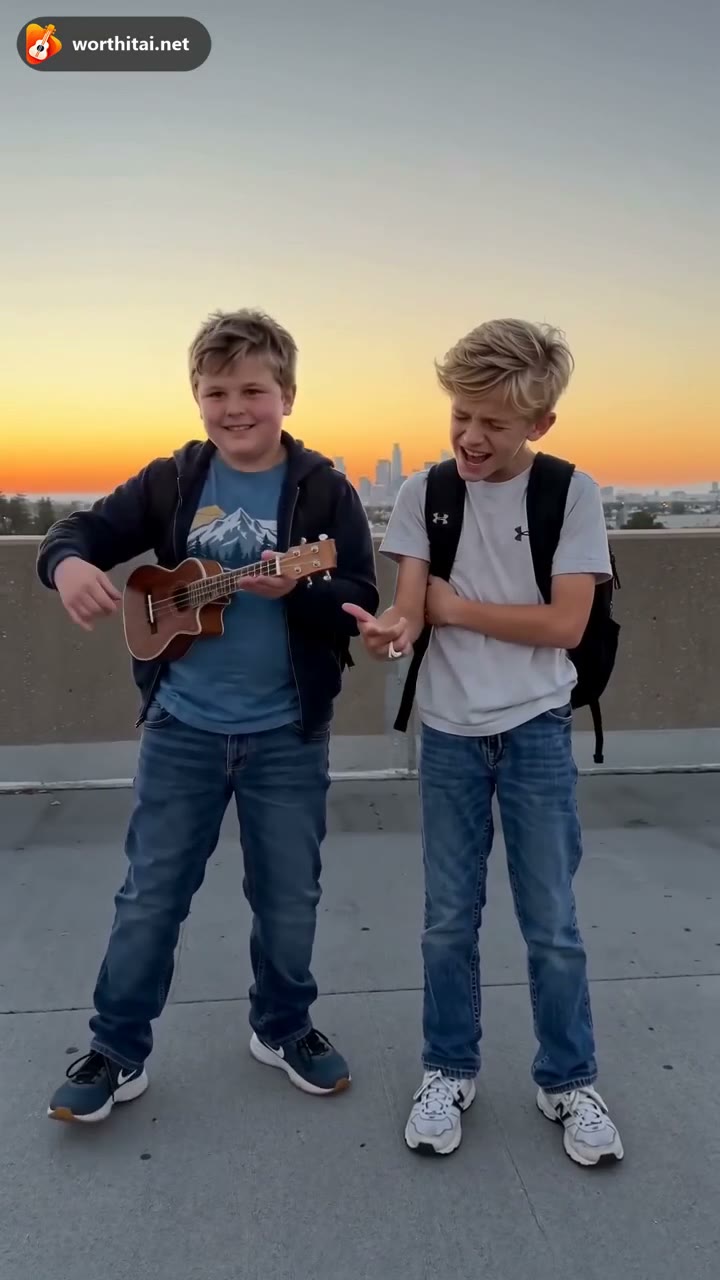
One person per photo for both trends. Worth It does not take a photo that already shows both people.
Common formats
JPG, PNG, or WebP, up to 12 MB each. HEIC is not accepted.
2. Good vs bad examples
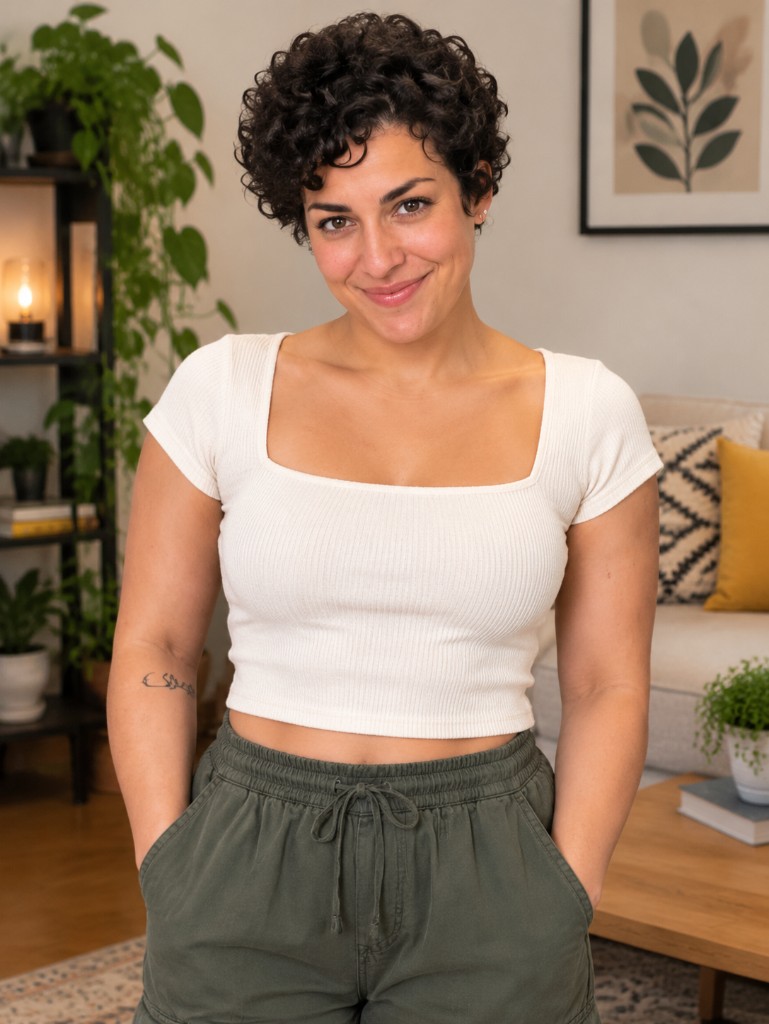
Use the left kind of portrait. The right kind is more likely to be rejected or to come back unlike the person.

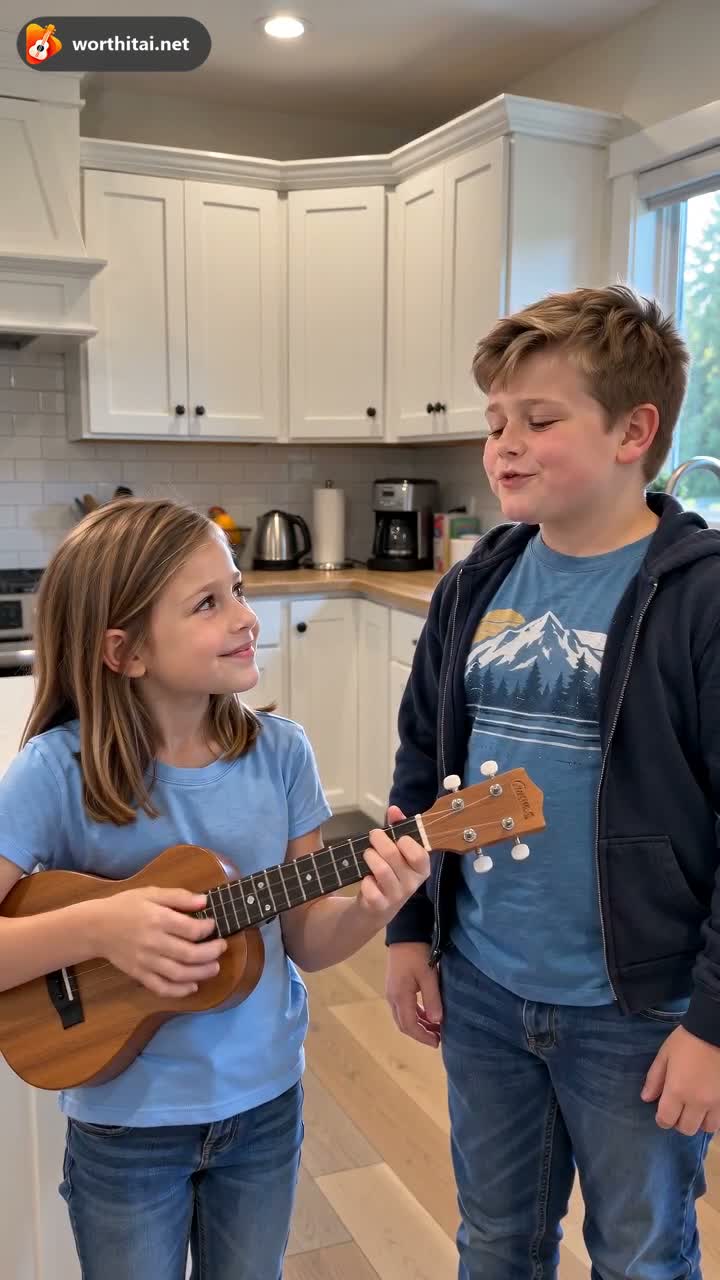
3. Photo tips for better results
Use a plain background
A simple wall or room keeps the face as the main subject.
Natural expression
A relaxed face is easier to follow than a filtered or pulled expression.
Keep the face centered
Leave a little space around the head. Do not crop off the chin or forehead.
Use a recent photo
A current photo is closer to how the person looks now.
4. Different photo types
A clear face matters more than the setting. A full-body shot often makes the face too small to use.
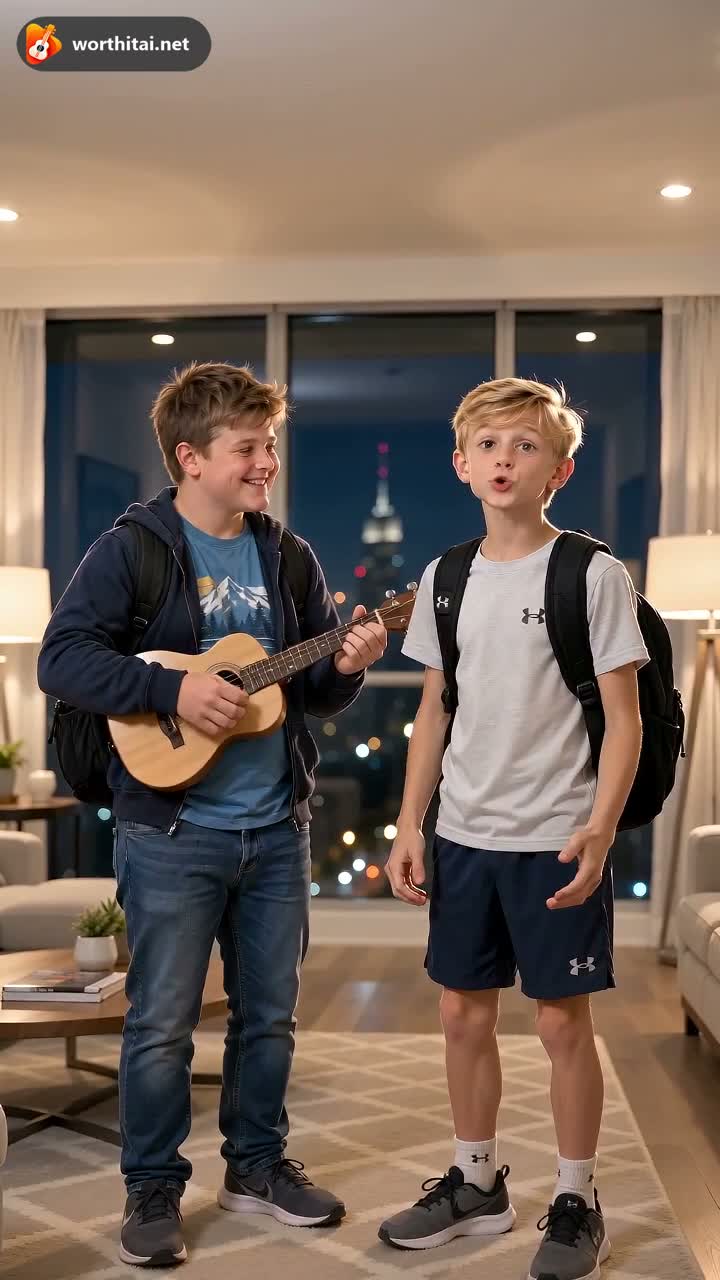
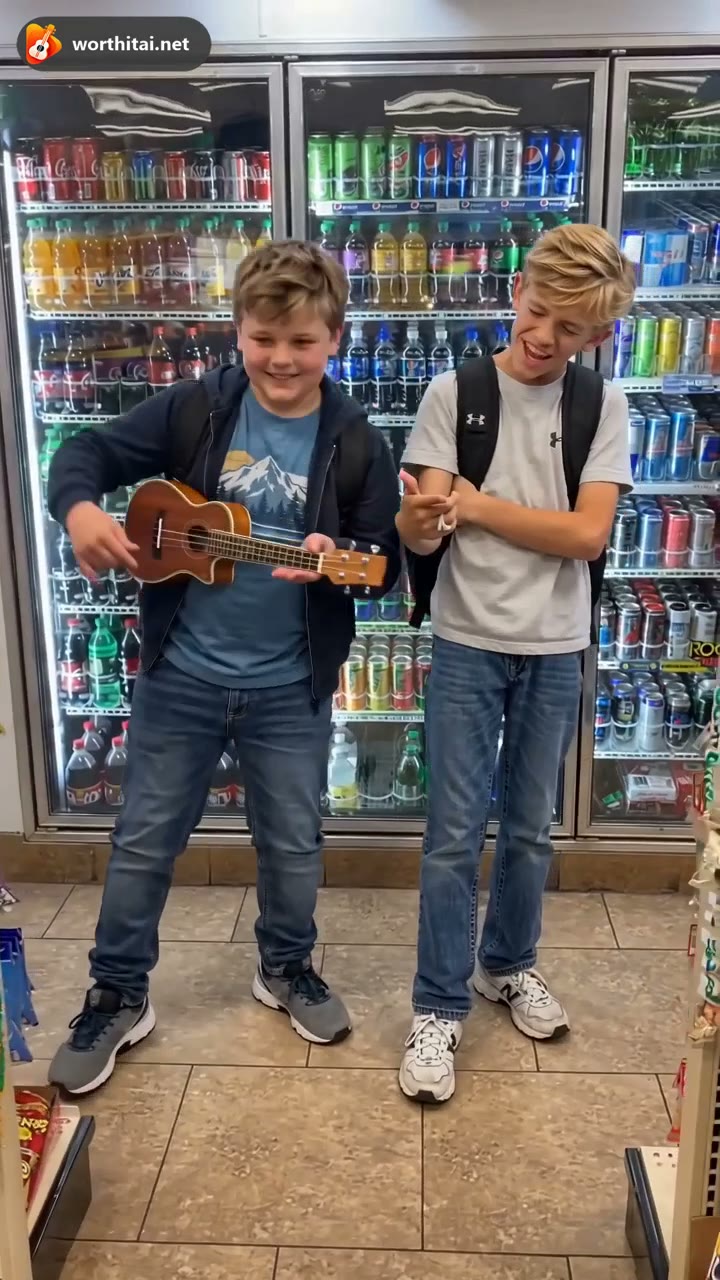
5. Common issues and how to fix them
The face is not clear
Upload a sharper, front-facing photo. Blur, darkness, and heavy filters are the usual cause.
The result looks different from the photo
The video is a new AI result. Motion, clothes, and the exact likeness can change. A clearer photo gives the model more to use.
The two people look swapped
Use one person per photo, with the face large and unobstructed, then generate again.
The generation fails
A failed generation that delivers no video returns the credits for that task automatically.
Can I use a group photo?
Not as the only upload for Worth It or Ooouh Trend. Those modes use individual photos, and an empty role keeps the original person. OOUUH Original Song can take one photo of both people.
6. Frequently asked questions
Do I need to upload two photos?
Worth It and OOUUH Trend accept one or two individual photos. An empty role keeps the original person in every background. OOUUH Original Song can use two photos, or one photo of both people.
What kind of photos work best?
A sharp, front-facing portrait of one person, with even light and no sunglasses, mask, or heavy filter. JPG, PNG, and WebP up to 12 MB.
Can I use photos with hats or sunglasses?
A hat brim or sunglasses that cover the eyes makes the face harder to read. Leave them off when you can.
Can I use the same photo twice?
Worth It is for two people, one in each photo. Uploading one photo twice is still one person. OOUUH can omit photo 2 instead of repeating photo 1.
What if the result is not good?
Try another clear photo of the same person. Not liking a finished video does not, by itself, return the credits. A failed generation that delivers no video does.