Template
OOUUH AI Template: One Photo or Two Photos?
Photo 1 is the ukulele player and Photo 2 is the singer. Either role can be left empty, and an empty role keeps the original person in every background.
 Worth It AIOctober 15, 20266 min read
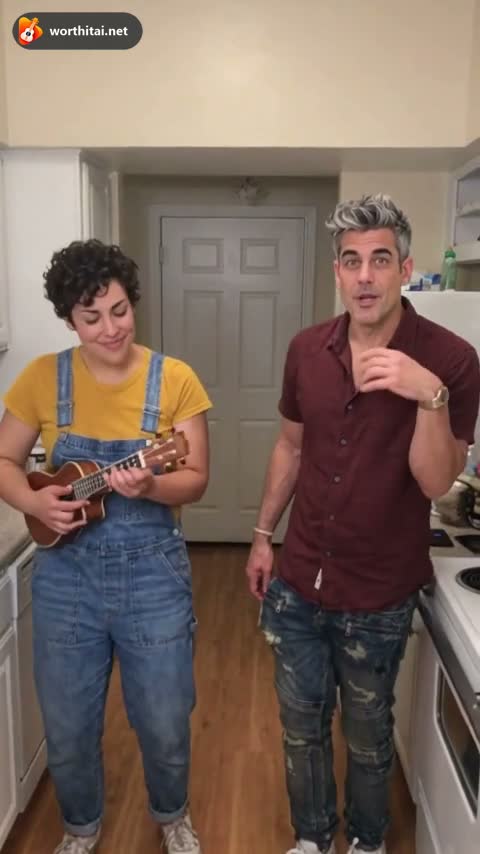 OOUUH AIOne or two photos?
1. One photo vs. two photos
Both can start an OOUUH video. They do not fill the second person the same way.
One photo
Upload one person. The empty role keeps the original person in every background, including Living Room, Beach, and City Rooftop.
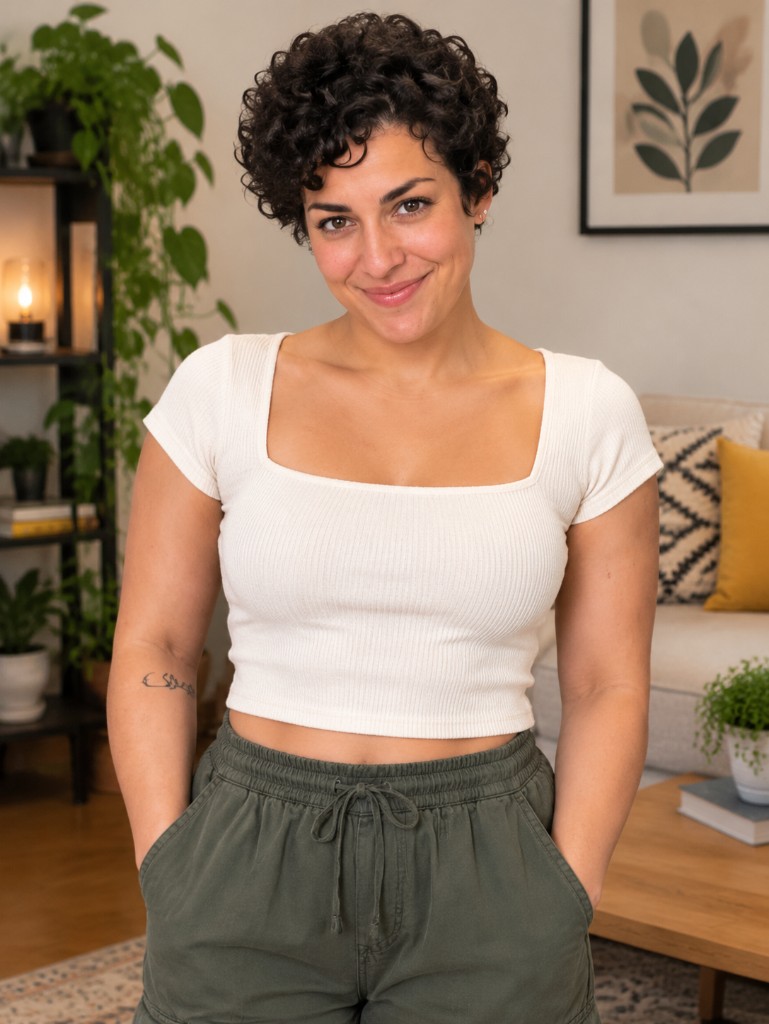 +
+- Useful when you only have one portrait
- The empty role keeps the original person
- This works in every background
Two photos
Photo 1 is the ukulele player. Photo 2 is the singer. Each person comes from that photo, including on the kitchen scene.
 +
+
- Both people are the ones you uploaded
- Use this when you want two specific people
- Photo 2 replaces the reference singer
2. Example results
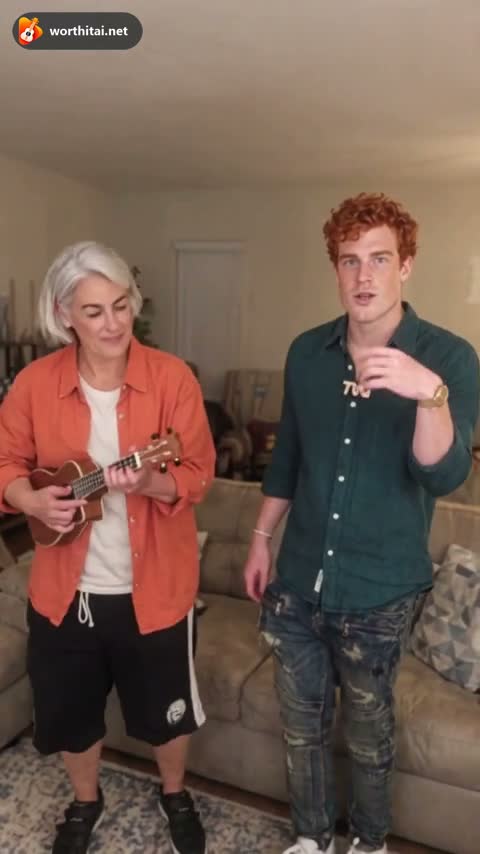
These stills are examples of the layout. A finished video can still differ from the photos in likeness, motion, and clothes.
One photo result
Your uploaded person replaces that role. The empty role stays the original person.
Two photos result
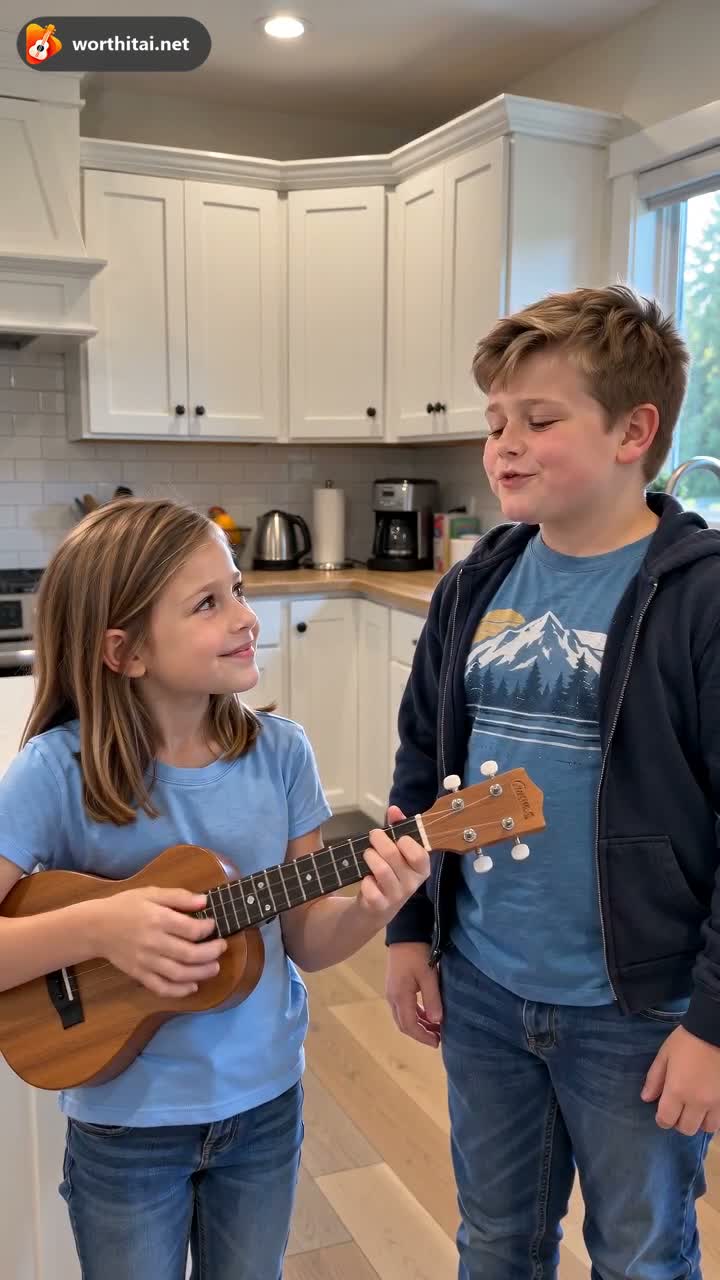
Both the ukulele player and the singer come from your photos.
3. When to use one photo or two photos
Pick from the photos you actually have. A second photo is how you choose the singer.
Use one photo if:
- You only want to replace one person
- The empty role should stay the original person
- This applies in every background
Use two photos if:
- You want two specific people
- You have two clear, front-facing photos
- You want your own singer instead of the reference singer
4. Photo tips for better results
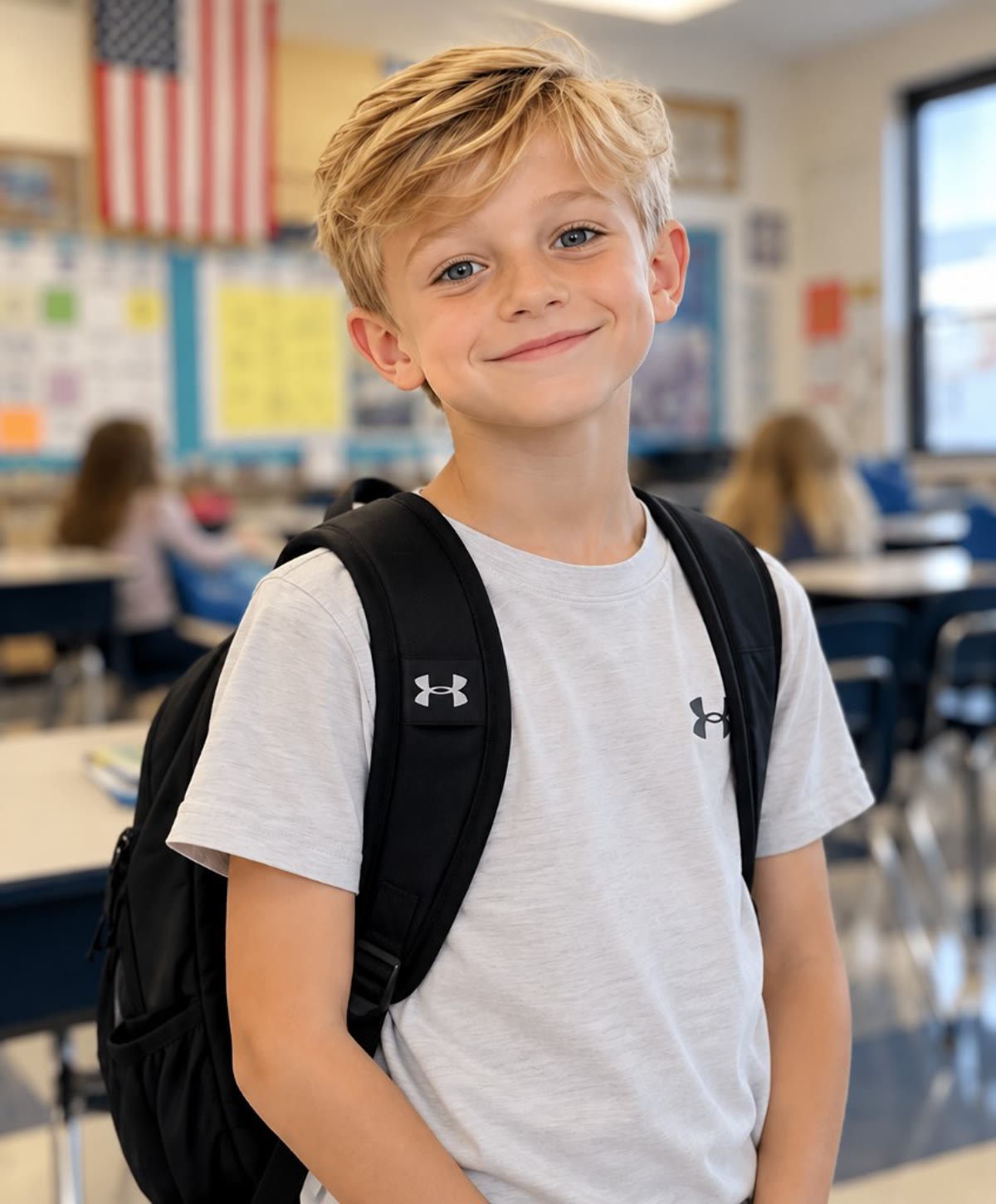
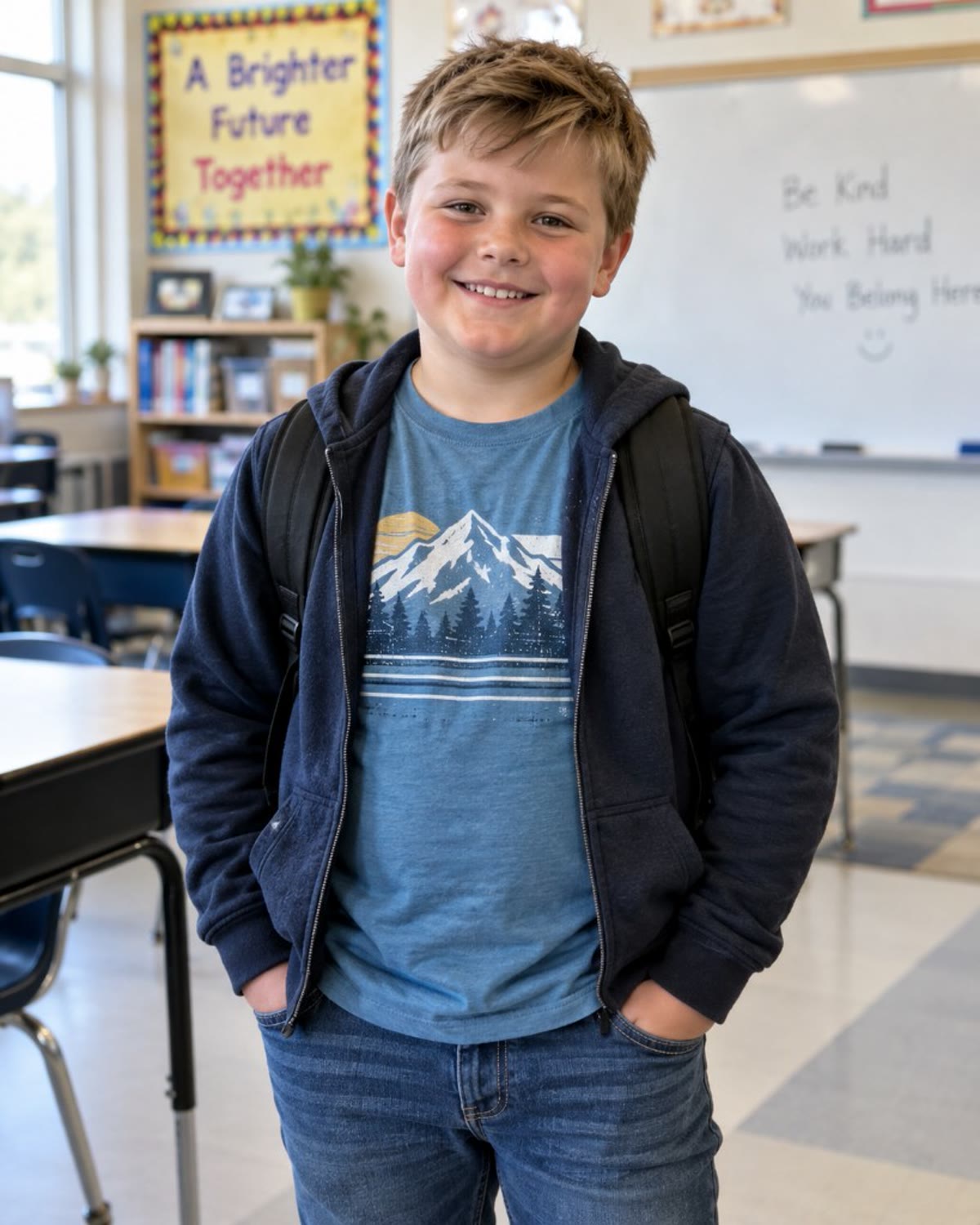
A clear face gives the generator more to use. Covered eyes and blur are the usual reason a person is hard to recognize.
5. Frequently asked questions
Can I use just one photo for the OOUUH AI template?
Yes. Either role can be left empty, and that person stays the original one in every background. Original Song can use two photos, or one photo that already shows both people.
Which option gives better results?
Two clear photos when both people should be specific. One photo is the right choice when you only want to replace one person and keep the original person in the empty role. A sharper front-facing photo helps either way. The video can still differ from the photo.
What kind of photo works best?
One person per photo, sharp, front-facing, with even light. Leave off sunglasses and a hat that covers the face. JPG, PNG, or WebP, up to 12 MB. HEIC is not accepted.
Can I use a group photo with more than two people?
Not as the only upload for the trend. Use one person in each photo. Original Song can take one photo that already shows both people. A larger group is not a supported layout.
What if the result is not good?
Try another clear photo of the same person. Not liking a finished video does not, by itself, return the credits. A failed generation that delivers no video does.