How to Make the Worth It AI Trend (YK Osiris Tutorial)
Step-by-step guide to create your own Worth It AI video with one or two photos. Choose a scene, confirm the credits, and generate.
 Worth It AIOctober 15, 20268 min read
1. What Is the Worth It AI Trend?
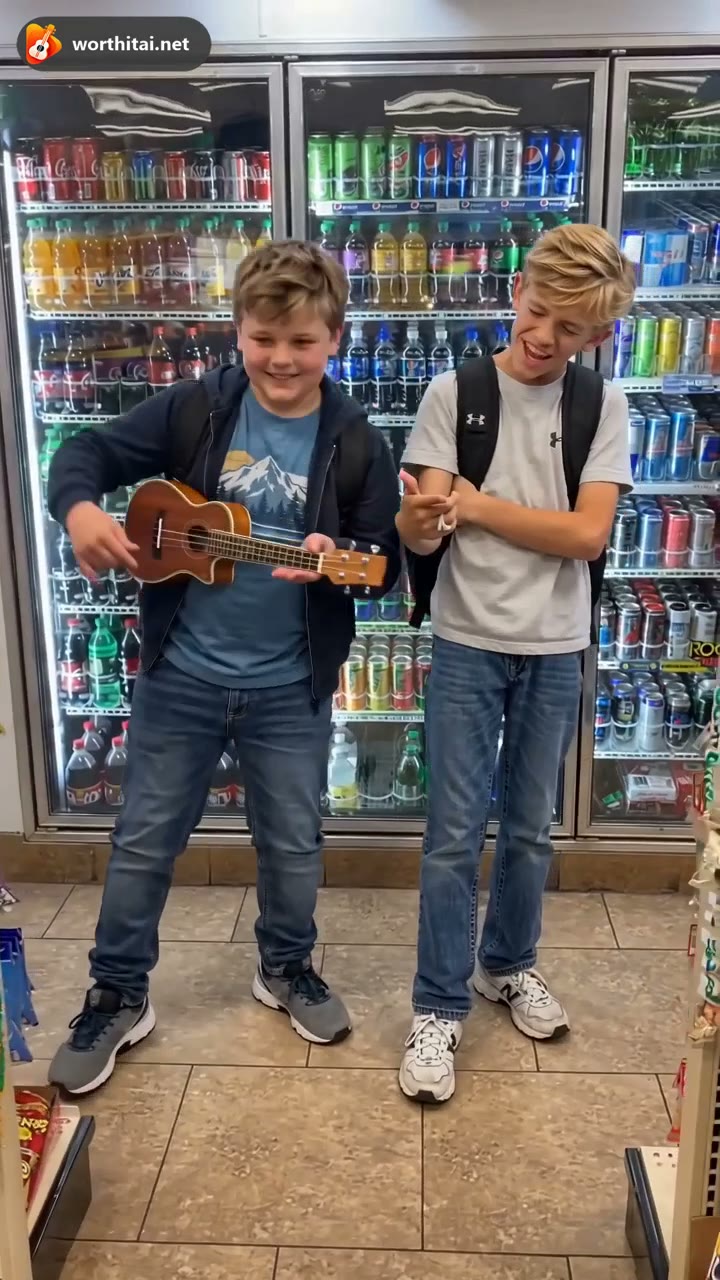
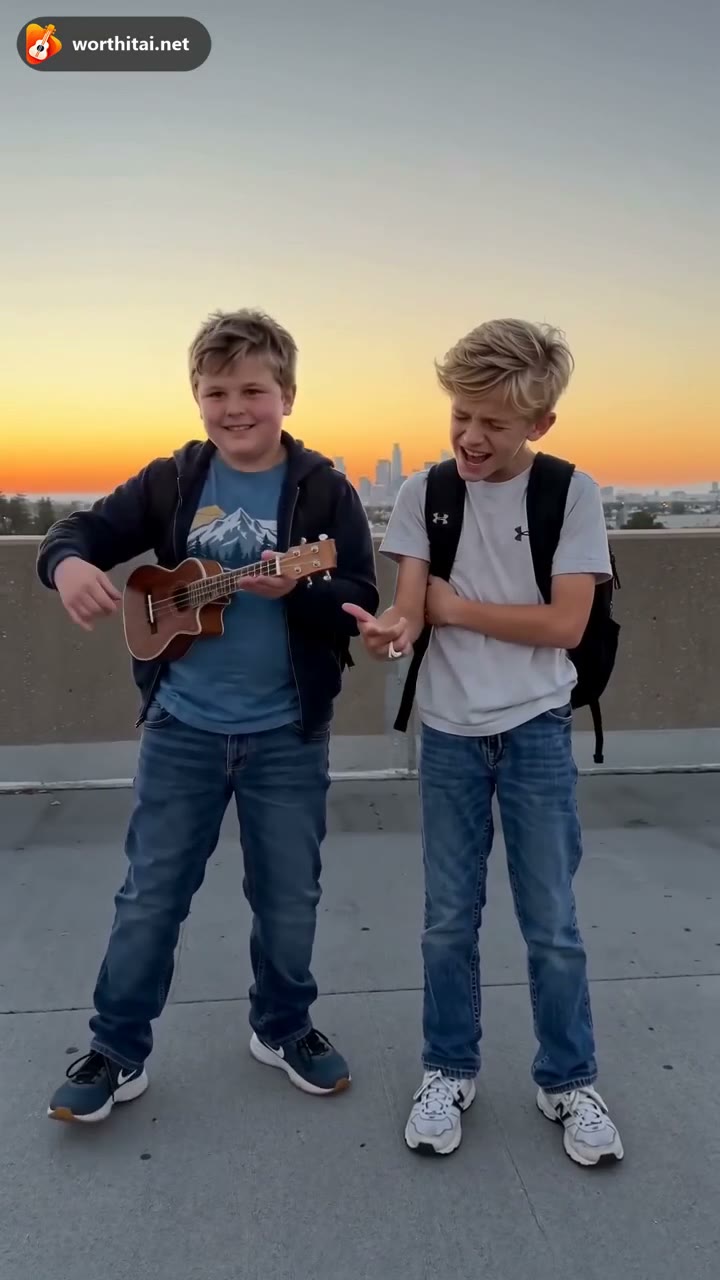
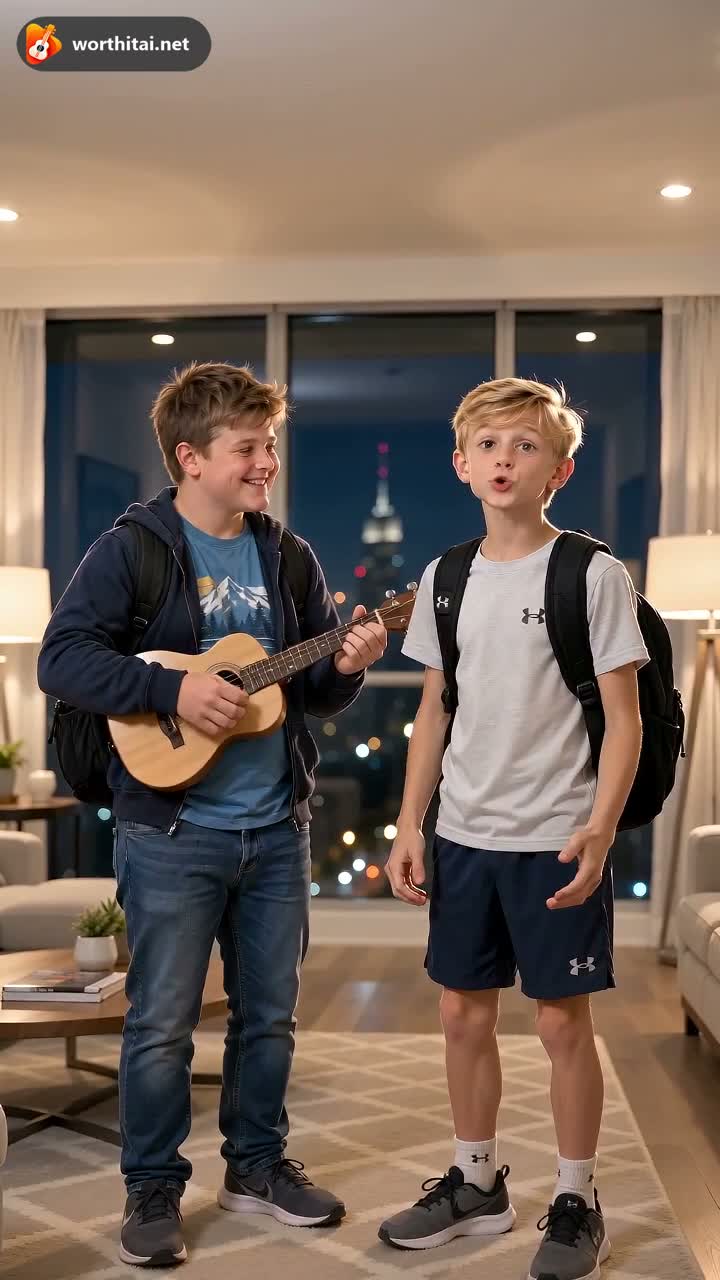
The Worth It AI trend is inspired by the YK Osiris performance: two people, each from their own photo, in a short vertical video. On TrendDuoAI this is the Worth It template on the homepage. Convenience Store keeps the reference scene. Rooftop Sunset, Luxury Penthouse, and Neon Street replace the background. The trend video is saved with the reference clip's audio.
2. What you need before starting
You can upload one or two clear photos, one person in each. Leave a role empty to keep the original person. A single photo that already shows both people is not accepted. JPG, PNG, and WebP up to 12 MB work. HEIC files do not.


3. Step-by-step tutorial
- 1
Open the Worth It AI generator
Go to the TrendDuoAI homepage and open the Worth It template.
- 2
Upload one or two photos
Upload a clear portrait for each person you want to replace. Leave a role empty to keep the original person.
- 3
Choose your video settings
Pick the resolution and scene, then confirm the credits shown before you generate.
- 4
Generate and download
Start the video and wait for it to finish. Preview the result, then download it.
4. Video settings and cost
A Worth It AI trend video is 13 seconds in 9:16. You can choose a different resolution. The credit cost updates before you generate.
| Resolution | Duration | Credits Required | Best for |
|---|---|---|---|
| 480p (Standard) | 13 seconds | 20 credits | Faster generation, lower cost |
| 720p (High) | 13 seconds | 40 credits | Better quality, recommended |
| 1080p (Pro) | 13 seconds | 80 credits | Best quality |
Credits are charged when the generation starts. If the task fails, those credits are returned to your account automatically.
5. Reference Trend vs. Original Song
Worth It has two modes. The trend follows the reference performance. Original Song creates a new soundtrack.
Reference Trend (recommended)
Recreates the performance style and keeps the reference clip's audio. It stays at 13 seconds and 9:16.
Original Song
Creates a new AI song instead of using a released recording. It opens at Mini, 720p, 12 seconds, and 9:16.
6. Tips for better results
Use clear photos
A sharp, front-facing portrait gives the model a face it can follow.
Choose natural expressions
A relaxed expression is easier to animate than a filtered or exaggerated one.
Keep faces unobstructed
Leave out sunglasses, masks, and hands that cover the face.
Try different photos
If a result misses the likeness, upload another clear photo of the same person.
7. Frequently asked questions
Why is my photo rejected?
Each photo needs one clearly visible person. Leave a role empty to keep the original person. A photo of both people together is not accepted for this trend. Use JPG, PNG, or WebP up to 12 MB. HEIC files, covered faces, and photos of minors are rejected.
Why does the result look different from the original video?
The video is a new AI result, not a copy of the original clip. Faces, motion, and clothing can differ. Convenience Store keeps the reference scene. The other scenes replace the background.
How long does it take to generate a video?
Generation time varies with demand and the resolution you choose. Many videos are ready within a few minutes. The page shows progress while it renders.
Can I use the video for commercial purposes?
Eligible paid videos can be used for personal or commercial purposes, subject to the Terms, applicable law, and other people's rights. Do not present the video as an official recording or as an artist-approved performance.
Are credits refunded if generation fails?
If the generation fails and no video is delivered, the credits used for that task are returned automatically. Not liking a finished video does not, by itself, return those credits.
What if there is no sound in my video?
Worth It Trend is saved with the reference clip's audio. Choose Original Song when you want a newly written soundtrack.