Tips
Why Does My AI Video Look Different?
The video is a new AI result. It can differ from your photo and from the reference in likeness, motion, clothes, and expression. A clearer photo gives the model more to use. It does not make the result an exact copy.
 Worth It AIOctober 15, 20267 min read
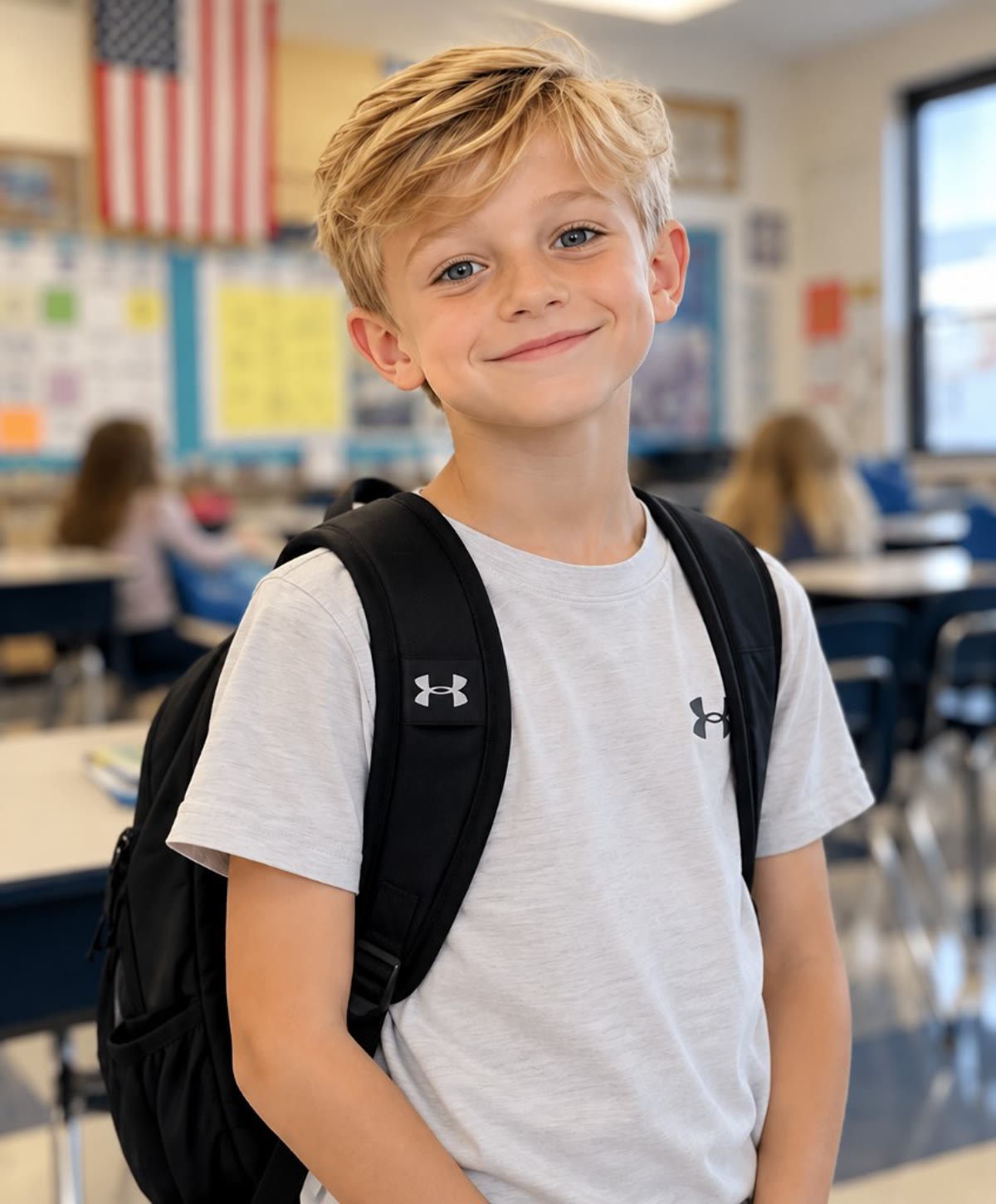
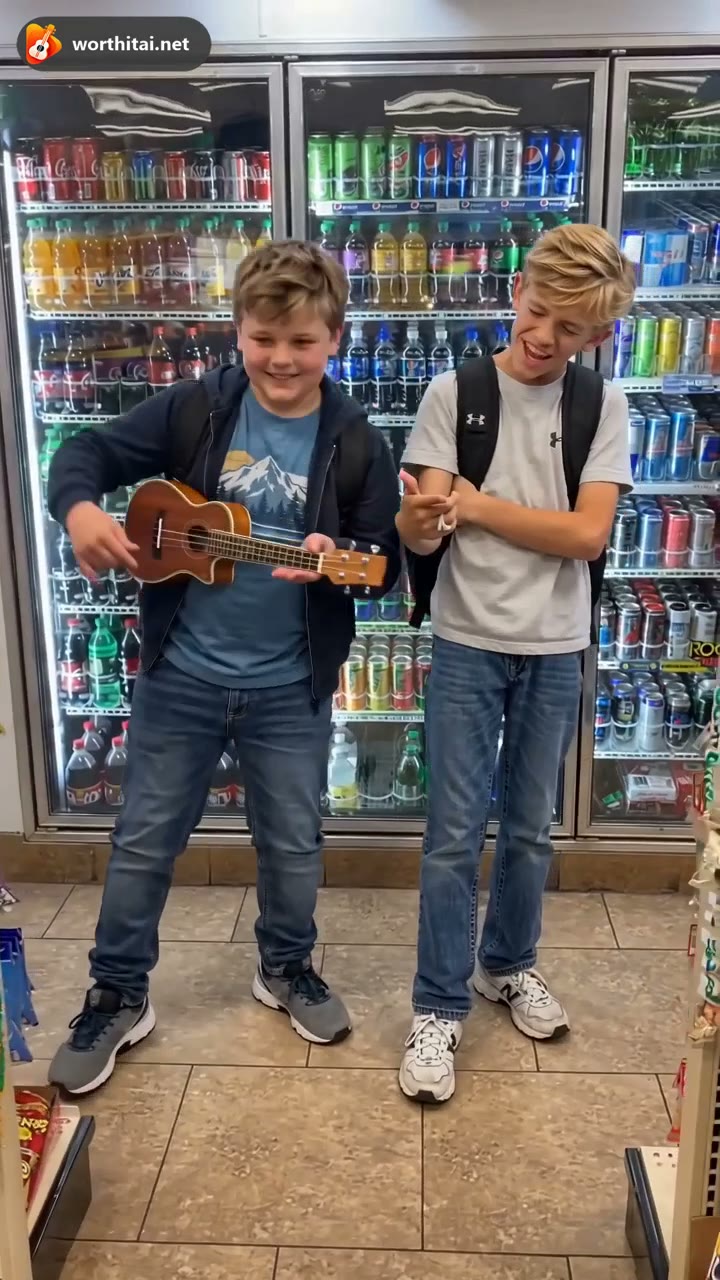
1. Common reasons for different results
These are the usual reasons a result does not match the photo or the reference.
Photo quality
Blur, low resolution, or a dark photo gives the model less of the face to use.
Face angle
A side view or a tilted face is harder to follow than a front-facing portrait.
Lighting
A dark room, a strong backlight, or uneven light can change how the face looks.
Busy frame
Other people or a crowded background make the face less clear.
A new video
The clip is generated. Motion, clothes, and the exact likeness can change. It is not a copy of the reference.
Different templates
Worth It is 13 seconds and opens at 720p. OOUUH is 12 seconds in every background and opens at 480p. Both accept one or two individual photos. The scenes are not the same.
Resolution
480p, 720p, and 1080p change the detail. The credit cost is shown before you generate.
Covered face
Hats, sunglasses, hands, or hair over the eyes and mouth make the person harder to recognize.
2. Examples of different results
The pictures below are illustrations. They are not a promise of how close your video will be.
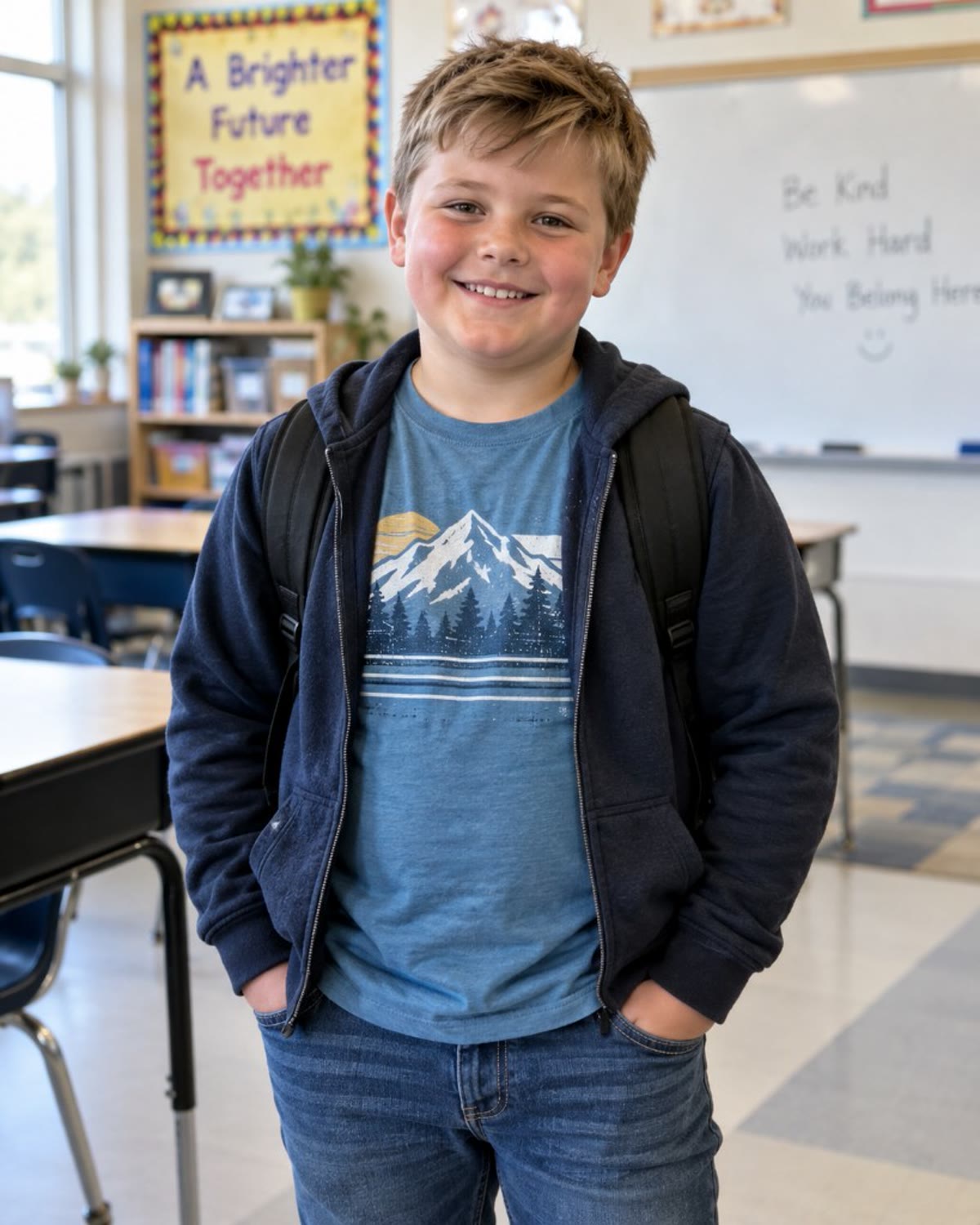 Can look different
 Face not clearLess detail
3. How to get a more consistent result
These steps make the face easier to use. They do not lock the likeness, the motion, or the lip sync.
Use a clear photo
A sharp, front-facing portrait with even light.
Leave the face uncovered
Take off sunglasses and a hat that covers the face.
Use a simple background
A plain wall keeps the face as the subject.
One person per photo
Worth It and OOUUH each accept one or two individual photos. An empty role keeps the original person.
4. Frequently asked questions
Why does my video look different from the reference?
The generator builds a new clip. It can change motion, clothes, expression, and how close the face looks. A reference scene is not copied frame for frame. An empty role keeps the original person.
Can the AI keep my face exactly the same?
No. It does not promise an exact likeness in every frame. A clear, front-facing photo helps. It still is not a copy of the photo.
Which photos work best?
One person, sharp, front-facing, with even light and nothing covering the eyes or mouth. JPG, PNG, or WebP, up to 12 MB.
What if the result is not good?
Try another clear photo of the same person. Not liking a finished video does not, by itself, return the credits.
Can I try another photo?
Yes. Upload a different clear photo and generate again. That is a new task, with its own credit cost.
Will I get the credits back if generation fails?
A failed generation that delivers no video returns the credits for that task automatically. Disliking a finished video does not.