 Worth It AI
Frequently Asked Questions About AI Video Generation
Find answers to the most common questions about AI video generation, including how it works, photo requirements, video quality, pricing, and more.
 FAQ
FAQGetting Started
Learn the basics about AI video generation and how to use our platform.
?What is an AI video generator?
TrendDuoAI makes a short video from your photos in the browser. The live generators are Worth It and OOUUH. The result is a new AI video. It is not a copy of a reference clip, and it is not an official performance.
?How does the AI video generation process work?
Upload the photos that template asks for, choose the scene and resolution, and generate. The credit cost is shown before you start. You do not edit a timeline.
?Which video templates are available?
Worth It and OOUUH. Hotel Lobby, Alors on Danse, and Parking Lot Dance are not separate generators on this site.
?Do I need to download any software?
No. TrendDuoAI runs in the browser.
?Can I use it on my phone?
Yes. Open the site in a mobile browser. There is no app to install.
?Is the AI video generator free to use?
The credit cost is shown before you generate. Purchased credits are a one-time payment. Nothing renews on its own.
Photo Requirements
Learn what kind of photos work best for AI video generation.
?Can I use one photo or two photos?
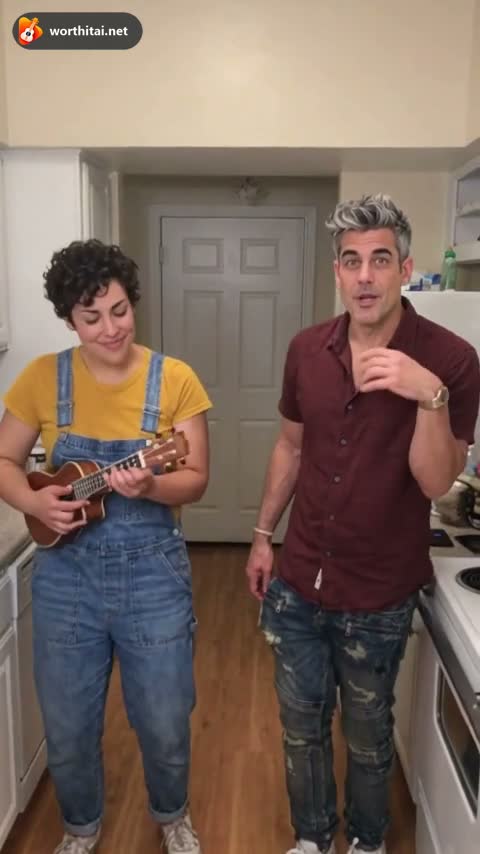
Worth It and OOUUH Trend accept one or two individual photos. Add a photo to either role; an empty role requests the original person in every background. Photos provide face, body build and clothing. Original Song retains its separate photo layouts.
?What kind of photos work best?
A sharp, front-facing photo of one person, with even light and the eyes and mouth visible. JPG, PNG, or WebP, up to 12 MB. HEIC is not accepted.
?Can I use a group photo with more than two people?
Not as the only upload for these trends. Use one person in each photo. A larger group is not a supported layout.
?Can I use photos of celebrities or cartoon characters?
No celebrities, politicians, or other public figures. Anyone under 18 is not allowed. The generators use photos of people, not cartoons.
?Can I use photos with hats, sunglasses, or masks?
They cover the face and make the person harder to recognize. Leave them off when you can.
?What if my photos are low quality or blurry?
A blurry, dark, or heavily filtered photo gives the model less to use. The result is more likely to look unlike the person. Upload a sharper photo.
Generation Settings
Learn about video length, resolution, style and more.
?How long is the generated video?
Worth It Trend is 13 seconds. OOUUH Trend is 12 seconds for every background. Shorter previews use the beginning of the reference at its original speed. Original Song opens at 12 seconds.
?What resolution and aspect ratio are supported?
Both trends are 9:16. You can choose 480p, 720p, or 1080p. The credit cost changes with that choice and is shown before you generate. The trends use Seedance 2.0.
?Can I choose different styles or backgrounds?
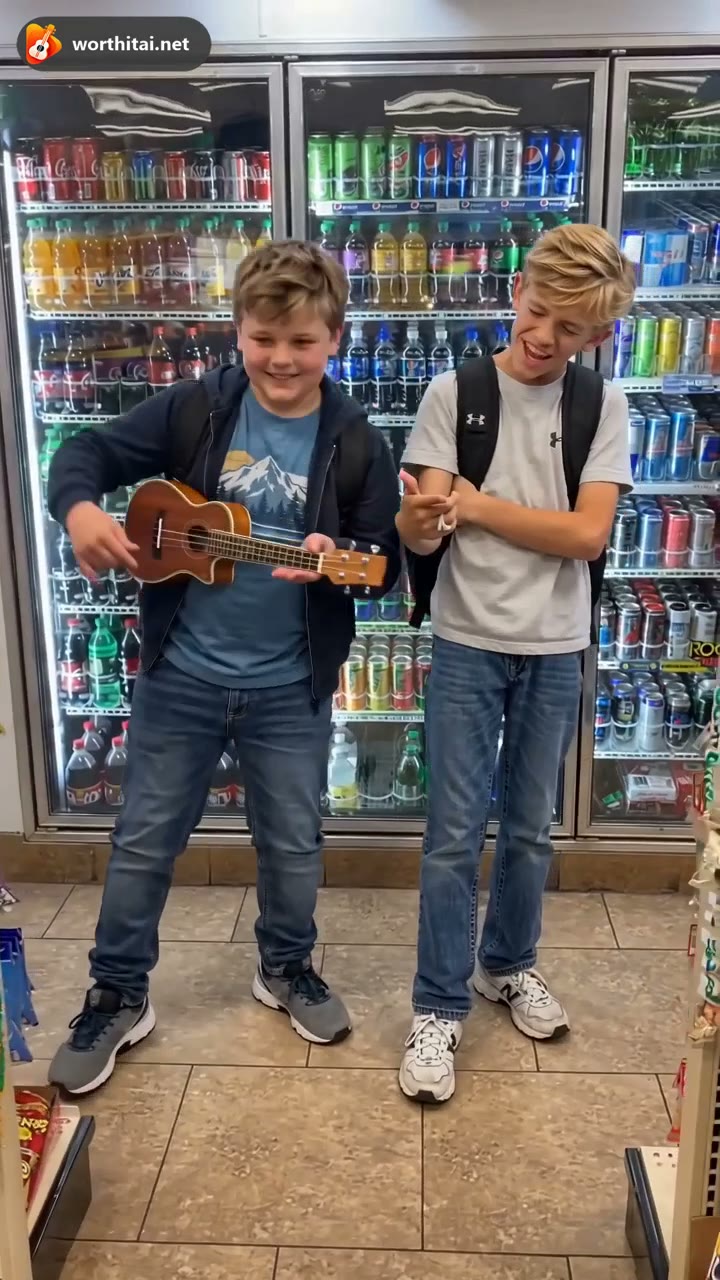
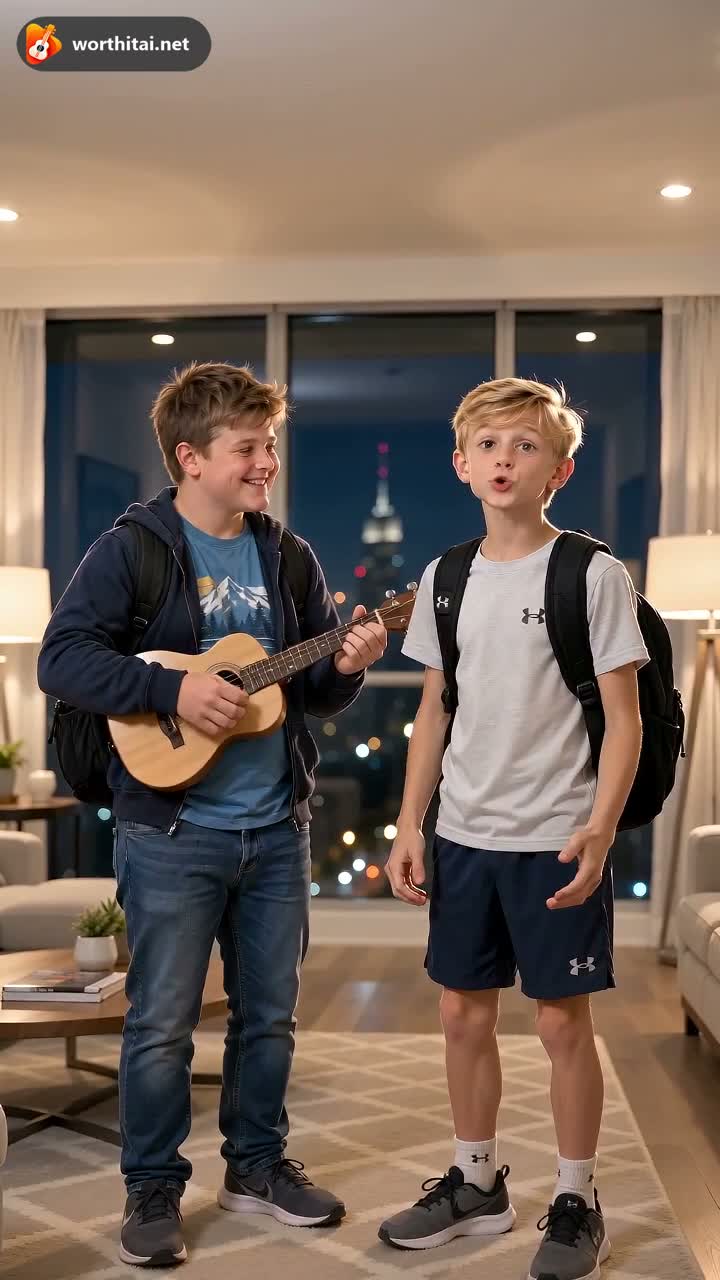
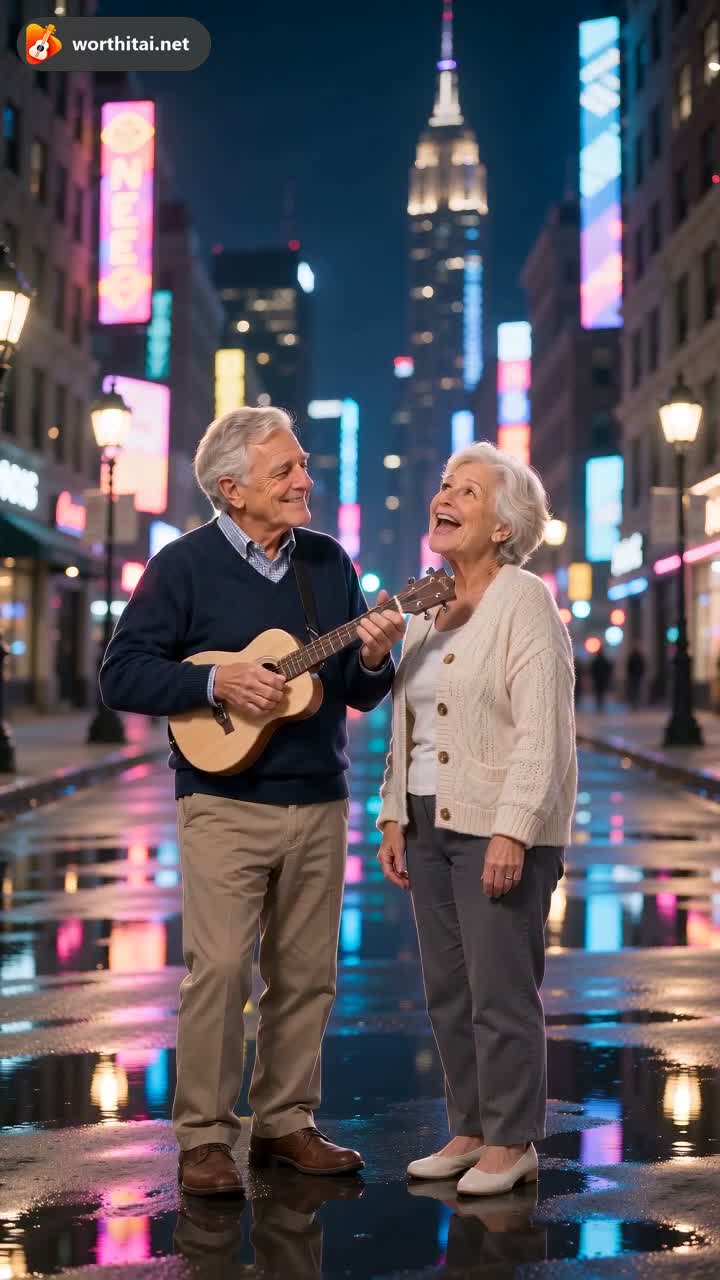
Worth It scenes are Convenience Store, Rooftop Sunset, Luxury Penthouse, and Neon Street. Convenience Store keeps the reference scene. The others replace the background. OOUUH scenes are the original kitchen, living room, beach, and rooftop. You cannot type a free-form style.
?Can I add my own audio or text?
No. You cannot upload an audio file or add captions. The trends are saved with the reference clip's audio. Original Song writes a new song from a short description.
?Why does my AI video look different from the reference?
The clip is generated. Likeness, motion, clothes, and expression can change. It is not an exact copy of the photo or of a reference.
?Can I generate multiple videos at once?
Each generate starts one video. Another video is a new task, with its own credit cost.
Video Quality
Learn about video resolution, duration, and what affects the final result.

?What video quality can I expect?
A sharper photo and a higher resolution keep more detail. The result can still differ from the photo in likeness, motion, and clothes.
?Why is the free preview shorter and lower quality?
When a free preview is offered, it can be shorter, lower resolution, and watermarked. It does not guarantee that a later paid video will match it. Previews are kept up to 7 days.
?Can I get HD or 1080p?
Yes. 1080p is one of the resolution choices. It costs more credits than 480p or 720p. The number is shown before you generate.
?What affects the final video quality?
Photo sharpness, light, whether the face is covered, the scene you pick, and the resolution.
?Sometimes the video looks different, is that normal?
Yes. A difference in likeness or motion can happen on a finished video. That is not, by itself, a failed generation.
?Can I re-generate if I'm not satisfied?
Yes. That is a new task and uses credits. Not liking a finished video does not return the credits.
Pricing & Credits
Learn about credits, pricing plans, and payments.
?How much does it cost to generate a video?
The generator shows the credits before you start. Worth It and OOUUH Trend both cost 20 credits at 480p, 40 at 720p, and 80 at 1080p. Worth It is 13 seconds and opens at 720p. OOUUH is 12 seconds in every background and opens at 480p. Original Song opens at 10 credits. Packs include 100 credits for $29.90 and 400 credits for $100. They are one-time payments.
?What payment methods do you accept?
Checkout is handled by Creem. The payment methods are shown there.
?What are credits and how do they work?
Credits are spent when a video is generated. Purchased credits are a one-time payment, do not renew, and do not expire.
?Can I get a refund if the generation fails?
A failed generation that delivers no video returns the credits for that task automatically. Disliking a finished video does not. An unused pack can be reviewed for a payment refund within 14 days if no credits were used.
?Do you offer a free trial?
A full video is not free. When a free preview is offered, it can be shorter and watermarked. The full video uses credits.
?Do unused credits expire?
Purchased credits do not expire.
Safety & Copyright
Learn about content policy, copyright, and safe usage.
?Is it legal to use AI-generated videos?
An eligible paid video may be used personally or commercially, subject to the Terms, the law, and other people's rights. Do not present it as an official recording or an artist-approved performance.
?Can I upload my own audio?
No. The generators take photos and the settings on the page. They do not take an audio file.
?Can I use copyrighted music?
Trend videos include the reference clip's audio. That download does not grant a license to a released recording. Original Song writes a new song.
?What content is not allowed?
No one under 18. No sexual content. No celebrities or other public figures. No face swaps, deepfakes, or a video meant to impersonate, deceive, or harass someone.
?Can I use images of celebrities or fictional characters?
Public figures are not allowed. The generators are for photos of people, not cartoons or fictional characters.
?Who owns the generated videos?
You keep the rights in the photos you upload. The Terms describe how you may use an eligible paid video. You do not receive the rights to an artist's recording, name, or likeness. Uploaded photos are removed from active storage within 48 hours. Paid videos are kept up to 90 days.