 Worth It AI
Best Friends 1v1 Dunk
Turn two photos into a hilarious 1v1 basketball video featuring you and your best friend in a dramatic dunk moment.
Viral 1v1 Basketball Trend
Turn one or two photos into a Middle Finger Dunk AI video. Recreate the viral 1v1 basketball crossover, high-flying dunk, and celebration—no filming required.
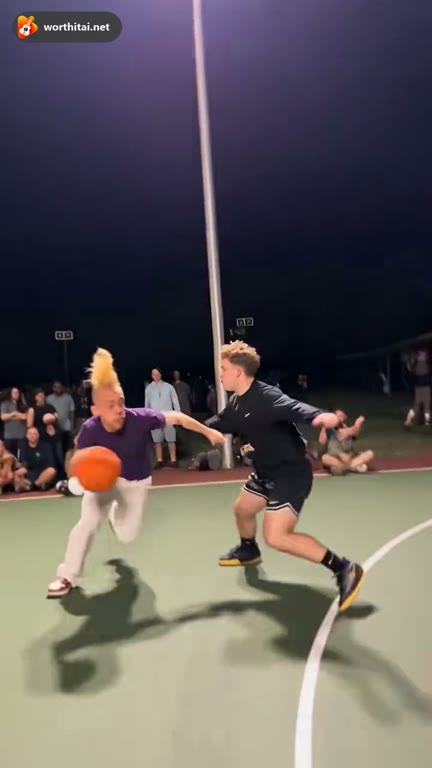
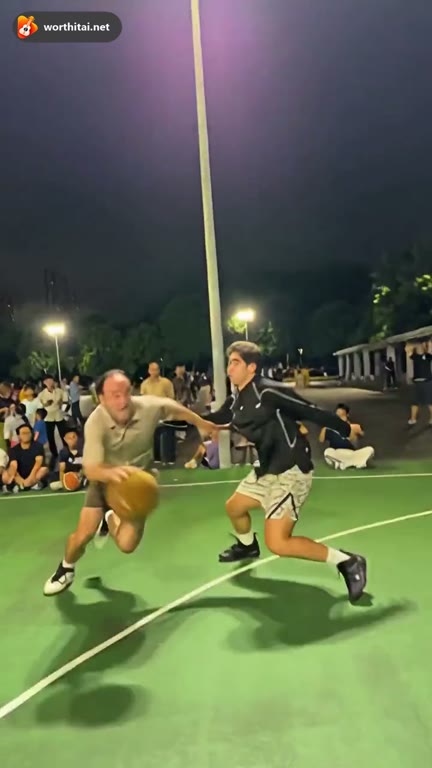
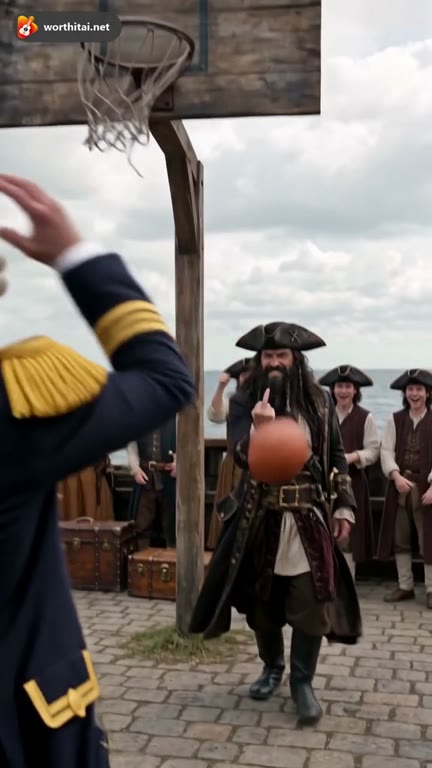
Add one or two individual photos. Photo 1 replaces the ball handler and dunker; Photo 2 replaces the defender. Leave a role empty to keep that original player.
照片提供面部、体型及服装
A painted outdoor court at night, with one hoop, tall floodlights and trees behind. Keep the reference background and replace the selected people.
The silent 15-second reference guides both players' moves, faces, expressions, camera cuts and ball timing. Exact frame-for-frame matching is not guaranteed. The matching original audio is attached after rendering; a free preview may be shorter.
这条视频:25 积分 · 余额:0 积分 · 100 积分 $29.90 一次,或 400 积分 $100 一次
生成即表示你有权使用这些照片,并同意我们的 服务条款.
照片只用于生成这条视频,并会在 48 小时内删除。
Viral 1v1 Basketball Trend
Middle Finger Dunk AI is a photo-to-video generator inspired by the viral 1v1 basketball trend. The video features a dramatic crossover, a high-flying dunk over a defender, and a bold celebration in front of the camera.
Upload one or two photos to put yourself and a friend into the basketball action. Recreate the original performance or choose a different court to make your own AI video. No filming or editing required.
Turn one or two photos into a Middle Finger Dunk AI video inspired by the viral 1v1 basketball trend. No filming or editing required.
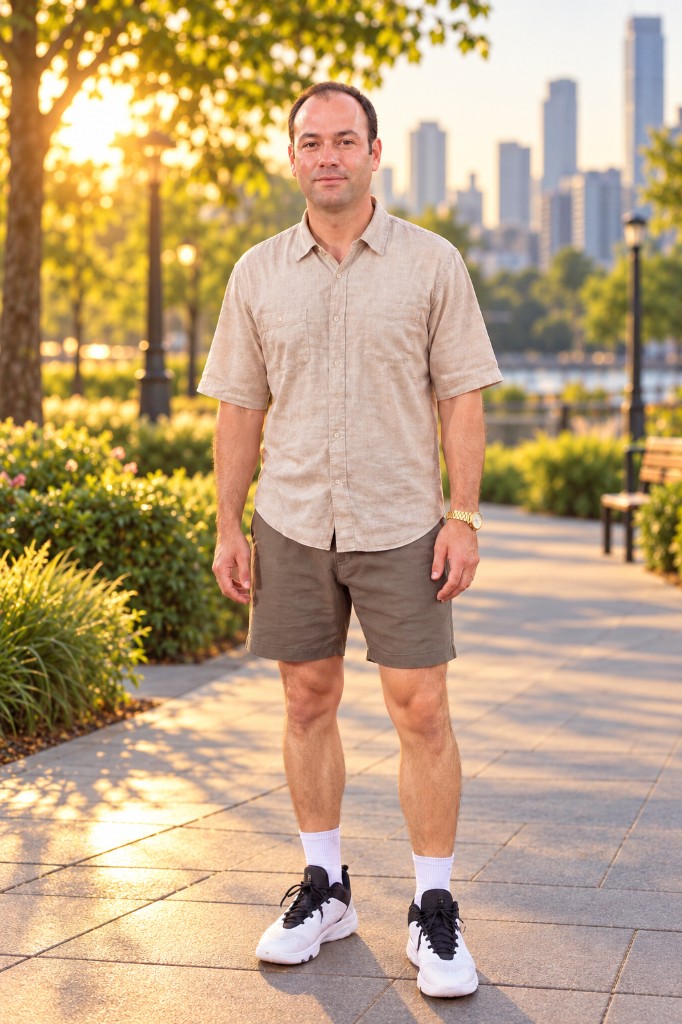
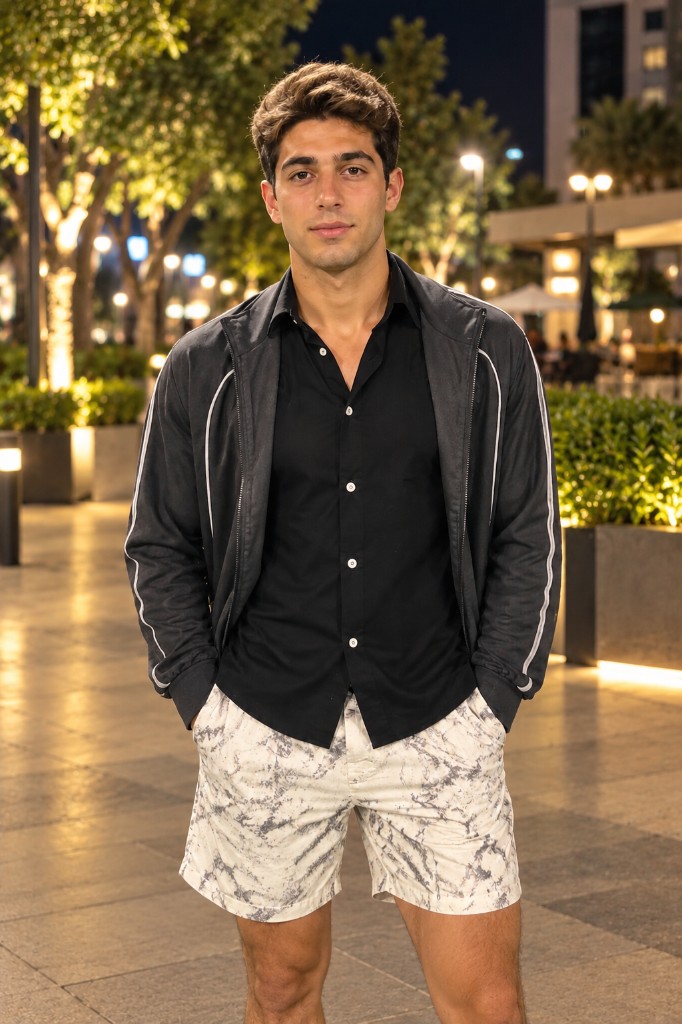
AI video preview
Create your own Middle Finger Dunk AI video in three simple steps. Upload your photos, recreate the viral 1v1 basketball dunk, and generate—no filming required.
Upload one or two clear photos to put yourself or a friend into the basketball scene. Replace one player or both.
Keep the original night court, or choose a streetball court, indoor gym, rooftop court, neon night court, or seaside court. Middle Finger Dunk uses the reference dunk to guide the action.
Generate your Middle Finger Dunk AI video, preview the result, and download your basketball clip for TikTok or Instagram.
Turn two photos into a hilarious 1v1 basketball video featuring you and your best friend in a dramatic dunk moment.
Create a playful basketball showdown with you and your partner. Turn your photos into a funny AI dunk video.
Bring two unexpected rivals together in a viral 1v1 basketball matchup featuring an over-the-top dunk.
Surprise a basketball-loving friend with a personalized AI dunk video starring them in the action.
Buy credits once. Nothing renews.
Middle Finger Dunk: 25 credits at 480p · 50 at 720p · 100 at 1080p. Every background follows the same 15-second reference. Original Song estimates below: Mini · 12s · 720p · 10 credits each.
Recommended
100 credits · ≈ 10 standard originals
$29.90once
≈ $2.99 / standard original
One payment.
300 credits · ≈ 30 standard originals
$49.90once
≈ $1.66 / standard original
One payment.
Lowest cost / credit
800 credits · ≈ 80 standard originals
$99.90once
≈ $1.25 / standard original
One payment.
Counts use Mini, 720p, 12 seconds (10 credits). Save % compares the price per credit with the Basic bundle. Middle Finger Dunk uses the prices above.
One payment. Credits never expire. Savings compare the price per credit with Single.
Start with one
10 credits · ≈ 1 standard original
$9.99
≈ $9.99 / standard original
50 credits · ≈ 5 standard originals
$29
≈ $5.80 / standard original
350 credits · ≈ 35 standard originals
$99
≈ $2.83 / standard original
900 credits · ≈ 90 standard originals
$199
≈ $2.21 / standard original
3000 credits · ≈ 300 standard originals
$499
≈ $1.66 / standard original
Middle Finger Dunk, including the original setting, uses 25 / 50 / 100 credits at 480p, 720p, and 1080p.
| Model | 480p | 720p | 1080p |
|---|---|---|---|
| Mini · Seedance 2.0 Mini | 5 credits | 10 credits | — |
| Fast · Seedance 2.0 Fast | 8 credits | 17 credits | — |
| Pro · Seedance 2.0 | 10 credits | 20 credits | 50 credits |
| Ultra · Seedance 2.5 | 17 credits | 37 credits | 93 credits |
Middle Finger Dunk AI is a photo-to-video generator inspired by the viral 1v1 basketball trend. The video features a ball handler, a defender, and a dramatic dunk. Upload your photos to recreate the basketball moment. No filming required. It is not an official team, league, or player video.
Upload one or two photos, choose Middle Finger Dunk or Original Song, and select a basketball court and video quality. Review the credit cost, generate the video, then preview and download the finished result.
Yes. Middle Finger Dunk offers 480p, 720p, and 1080p. The credit cost for the selected quality is shown before you generate.
Photo 1 replaces the ball handler and dunker. Photo 2 replaces the defender. Upload both photos, or leave one role empty to keep that original player. Original Song can also use one photo that already shows both people.
Yes. You create the video in the browser with AI-generated visuals. No CapCut template, filming, or manual editing is required. CapCut is optional if you want to add text, effects, or other edits afterward.
A free preview is not guaranteed. When one is offered, it is 480p, 5 seconds, and watermarked. You watch it on your account. It cannot be downloaded. The generator shows those limits before you continue.
Use clear, well-lit photos of one adult, with the face, body, and clothing visible. Front-facing or full-body photos work best. Avoid blurry images, heavy filters, and facial obstructions. JPG, PNG, and WebP are supported.
Yes. Choose Original night court, Streetball court, Indoor gym, Rooftop court, Neon night court, Seaside court. Both modes use the same six courts. Middle Finger Dunk keeps the reference performance when the court changes. Generated background details may vary.
The 15-second reference guides player movement, dunk timing, expressions, and camera angles. Your photos determine the selected players' appearance. The result aims to follow that performance, but exact frame-for-frame motion is not guaranteed.
Middle Finger Dunk uses the 15-second basketball reference to guide the action and saves the clip with that reference's matching audio. Original Song creates a new basketball performance with AI-generated music and rap from one of 20 editable prompts. It does not replay the reference video.
Middle Finger Dunk keeps the selected reference clip's audio. Original Song generates new AI music and vocals. Neither mode is designed to clone a real person's voice. Share the reference soundtrack only if you have permission to use it.
Yes. Original Song offers 20 editable basketball moves and rap directions. You can edit the selected direction so the rap is about your friends, a rivalry, or another moment you describe.
Middle Finger Dunk follows a 15-second reference in 9:16. A free preview, when offered, is the shorter 5-second preview. Original Song opens at 12 seconds, and that length can be changed in the generator.
Middle Finger Dunk is 25 credits at 480p, 50 credits at 720p, and 100 credits at 1080p. Original Song opens at 10 credits for Mini, 720p, 12 seconds. The exact cost is shown before you generate.
Processing time depends on the video quality, the selected mode, and the current queue. After you submit, check the job in My videos.
Yes. An eligible completed video can be downloaded as an MP4 and shared on TikTok, Instagram Reels, or YouTube Shorts. Free previews cannot be downloaded. You need permission to use the photos. This creator does not accept an audio upload.
A confirmed failed generation returns the credits used for that task. You can review the task in My videos and try again. One-time credit packs do not expire.
Turn one or two photos into a viral 1v1 basketball dunk video. Upload your photos and start creating.
Create My AI Dunk Video