 Worth It AI
Your Look, the Reference Walk
Plug Walk replaces the complete walker, including face, hair, body and clothing, while following the original performance.
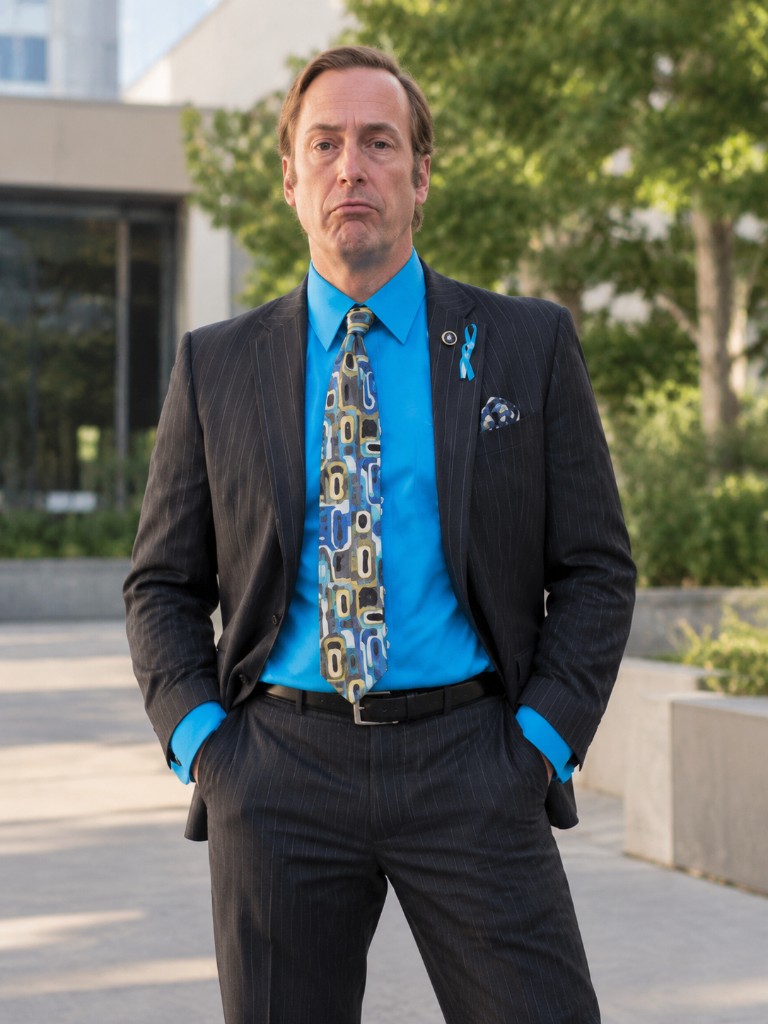
Saul Goodman Plug Walk Trend
Turn your photo into a Plug Walk AI dance video inspired by the Saul Goodman trend. Upload a photo, generate your clip, and follow the CapCut tutorial to add audio and finish your edit.
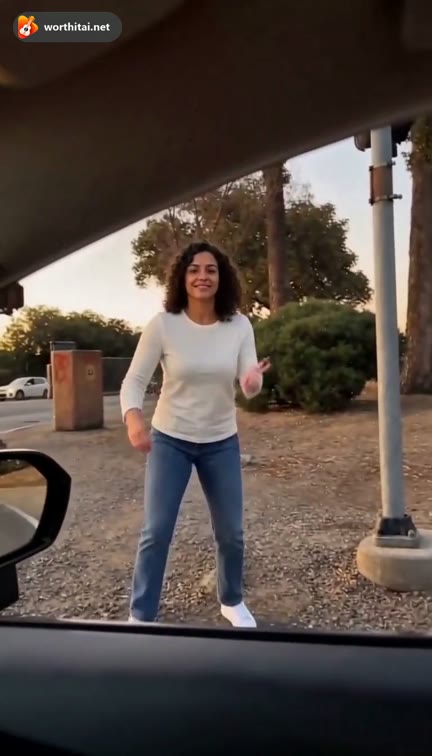
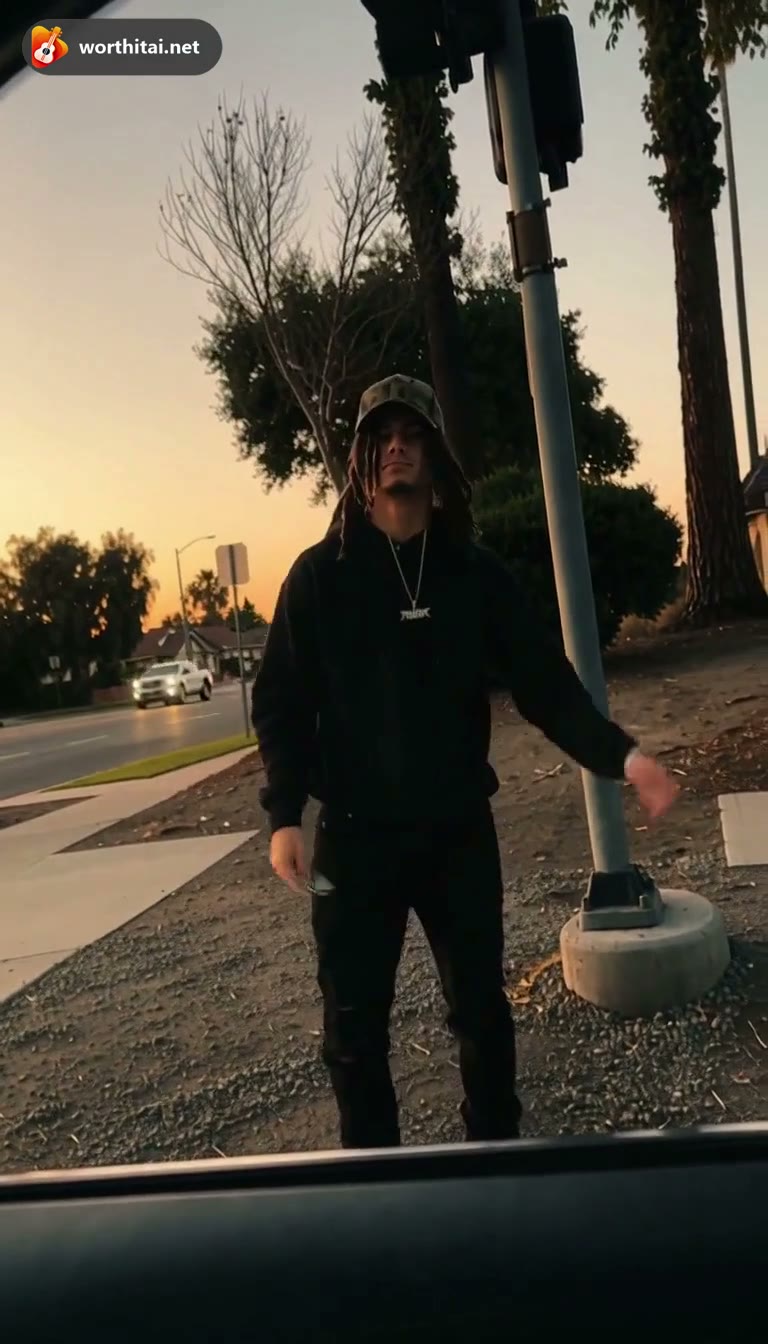
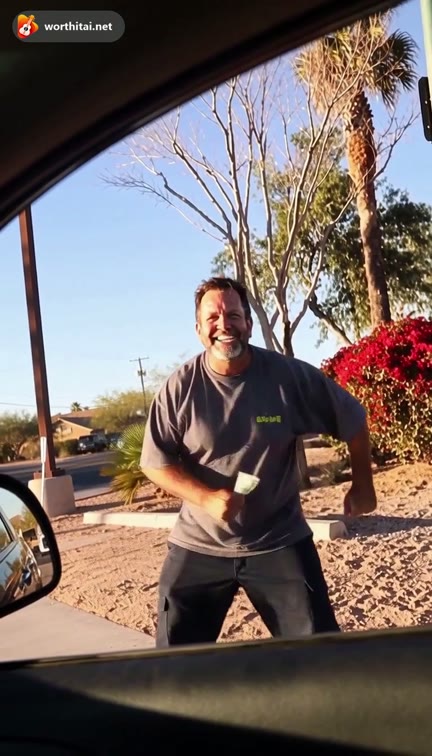
One clear photo of the person who should do the walk. Face, body, and clothing come from this photo.
Face, body and clothing from your photo
AI follows the reference motion, mouth movements and expressions. Fine details can vary. Preview length may be shorter. The saved video keeps the reference clip's audio.
Este vídeo: 22 créditos · Saldo: 0 créditos · 100 créditos por $29.90 uma vez, ou 400 créditos por $100 uma vez
Ao criar, você confirma que tem permissão para usar estas fotos e aceita os Termos de Serviço.
As fotos servem só para gerar este vídeo e são apagadas em 48 horas.
One photo. Two ways to perform.
The left clip is a watermarked Plug Walk preview of the dreads look at the car window. The right clip is a watermarked white-shirt sample beside the car.
Original Song keeps the car-window setting, using a scene image from reference 1. Random prompt changes only the performer's choreography, expressions, rap theme and flow. These supplied clips guide the style; they are not verified outputs of this generator.
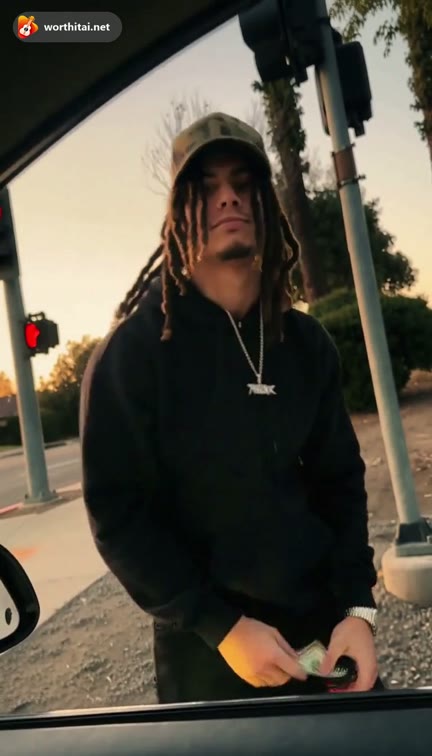
The reference starts inside a car: a bill is handed through the window, the person steps back, and the dance begins. Plug Walk uses that same sequence for your photo.
AI video preview
Create a Plug Walk AI dance video in three simple steps. Add your own audio afterward if you want to customize your edit.
Upload one clear photo of one adult. Show the face, body build and clothing you want in the video. A full-body photo helps.
Both modes keep the reference setting. Plug Walk replaces the walker and follows the fixed performance. Original Song varies the dance and original rap vocals.
Generate and download your vertical AI dance clip. Follow the CapCut tutorial on this page if you want to add audio to your edit.
Both modes include audio. Use this optional finishing step to adjust your edit or add your own track.
Download your finished video, import the MP4 into a CapCut project and place it on the timeline. Keep the original aspect ratio.
Import a track you have permission to use. If replacing the soundtrack, mute the existing audio. Move and trim the new audio so its beat lands on the first dance gesture.
Play the timeline to check timing and volume, then export an MP4 at the video resolution. Keeping the Original Song vocals preserves their intended mouth timing.
Plug Walk replaces the complete walker, including face, hair, body and clothing, while following the original performance.
Original Song can combine heel-toe shuffles, knee bounces, side slides and playful gestures into a fresh routine.
Choose a story and a vocal flow in Original Song. Keep the car-window setting while creating new lyrics, beat and performance in the same video request.
Download your generated clip and follow the CapCut tutorial to add audio and finish your edit.
Buy credits once. Nothing renews.
Plug Walk: 22 credits at 480p · 44 at 720p · 87 at 1080p. The walk follows the same 13-second reference. Original Song estimates below: Mini · 12s · 720p · 10 credits each.
Recommended
100 credits · ≈ 10 standard originals
$29.90once
≈ $2.99 / standard original
One payment.
300 credits · ≈ 30 standard originals
$49.90once
≈ $1.66 / standard original
One payment.
Lowest cost / credit
800 credits · ≈ 80 standard originals
$99.90once
≈ $1.25 / standard original
One payment.
Counts use Mini, 720p, 12 seconds (10 credits). Save % compares the price per credit with the Basic bundle. Plug Walk uses the prices above.
One payment. Credits never expire. Savings compare the price per credit with Single.
Start with one
10 credits · ≈ 1 standard original
$9.99
≈ $9.99 / standard original
50 credits · ≈ 5 standard originals
$29
≈ $5.80 / standard original
350 credits · ≈ 35 standard originals
$99
≈ $2.83 / standard original
900 credits · ≈ 90 standard originals
$199
≈ $2.21 / standard original
3000 credits · ≈ 300 standard originals
$499
≈ $1.66 / standard original
Plug Walk, including the original setting, uses 22 / 44 / 87 credits at 480p, 720p, and 1080p.
| Model | 480p | 720p | 1080p |
|---|---|---|---|
| Mini · Seedance 2.0 Mini | 5 credits | 10 credits | — |
| Fast · Seedance 2.0 Fast | 8 credits | 17 credits | — |
| Pro · Seedance 2.0 | 10 credits | 20 credits | 50 credits |
| Ultra · Seedance 2.5 | 17 credits | 37 credits | 93 credits |
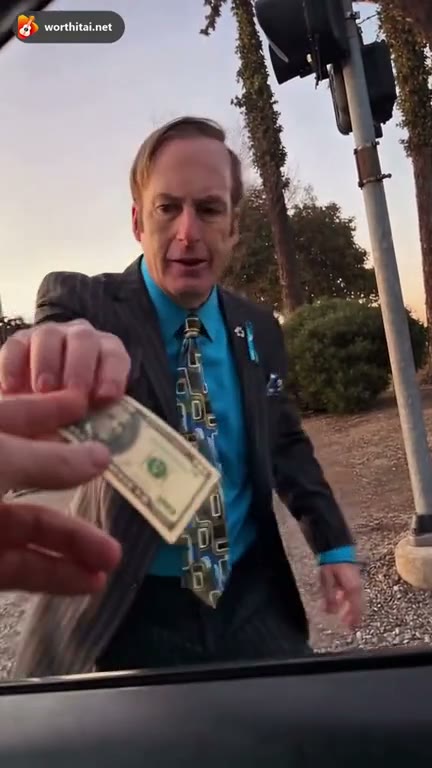
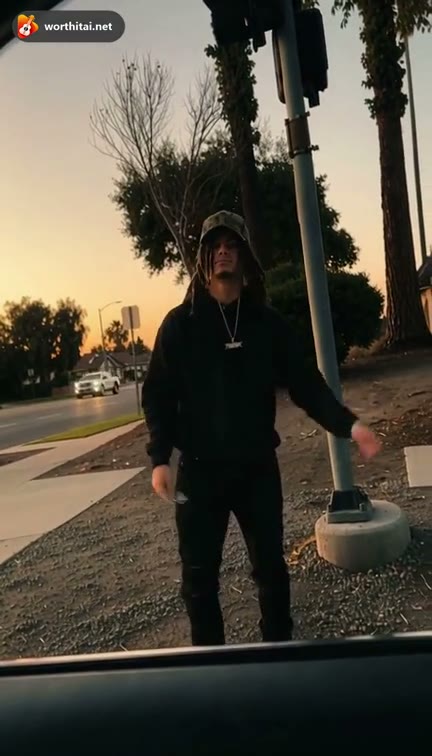
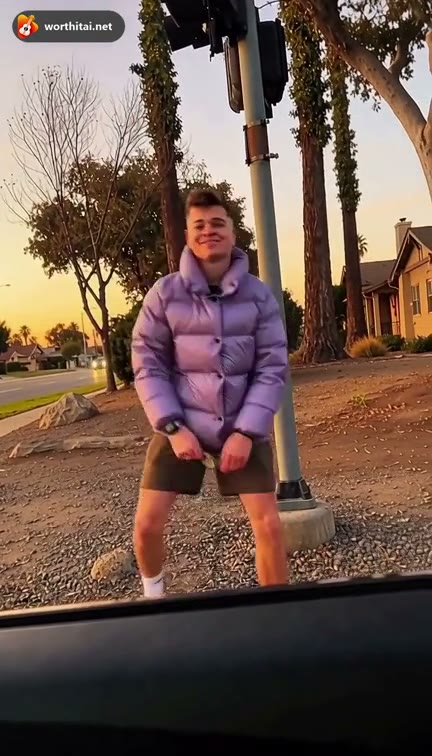
This page follows the Saul Goodman-inspired car-window clip: the person accepts a bill, steps back, and dances. Plug Walk follows that fixed reference; Original Song uses the car-window idea for a new rap performance.
Upload one photo, choose Plug Walk or Original Song, pick a quality, and review the credit cost. On Original Song, describe the movements and rap or use Random prompt; the scene stays fixed. Generate the clip, then use the optional CapCut tutorial to adjust your audio.
The generator runs in the browser. CapCut is the finishing step: import the MP4, add audio you are allowed to use, line the walk up with the beat, and export. This is not an official CapCut filter.
Free previews may be available to eligible accounts. Preview length, watermark, download restrictions, and availability are shown in the generator.
Yes. Both modes take one photo of one adult. Use a clear individual photo so the generator can follow that person's face, body and clothing.
The one photo you upload is the person in the walk. Face, body, and clothing come from that photo.
Use one adult per photo with a clear face, body build and visible clothing. Full-body photos give the walk more to follow. JPG, PNG, and WebP are supported, up to 12 MB per prepared photo. Do not upload the actor or another public figure.
The Plug Walk tab saves the clip with the audio from its reference video. That audio is not offered as a separate download. Original Song uses a new soundtrack. You can replace the reference audio in CapCut with a track you are allowed to use.
Both modes keep the car-window reference setting. Plug Walk replaces the walker and follows the fixed actions, camera and timing, with reference audio. Original Song varies the performer's dance, expressions and original rap vocals. Random prompt changes only the movement and rap brief. AI results can vary.
The setting is fixed in both modes. Original Song uses a scene image from reference 1 to preserve the car-window viewpoint, street, trees, signal pole, gravel and lighting. The three examples guide performance variety. The prompt changes movements and rap, not the location.
The model uses the reference for the walk, timing, and camera. Your photo supplies the face, body, and clothes. Fine details can vary.
Original Song accepts a video direction up to 1,000 characters. Random prompt chooses one of 20 complete directions with photo, fixed street scene, numbered action beats and new rap vocals. You can edit the movements and rap before generating. Plug Walk uses its fixed reference and has no creative-prompt field.
Plug Walk follows the same 13-second reference in 9:16. A shorter preview uses the start of that clip. Original Song opens at 12 seconds.
Plug Walk is 13 seconds and opens at Seedance 2.0, 480p, which is 22 credits. 720p is 44 and 1080p is 87. These prices scale from the 12-second OOUUH baseline. Original Song opens at 10 credits for Mini, 720p, 12 seconds.
It depends on the settings and the queue. After you submit, check the task in your account.
Eligible finished videos can be downloaded and shared. You need permission to use the photos. The generator does not take an audio upload; add the song in CapCut.
A confirmed failed generation returns the credits used for that attempt. One-time credits do not expire.
Upload a photo, generate the walk, then add your audio in the CapCut tutorial.
Create Plug Walk Video